- Press push-button OFF to switch off if current mode is ON
3.2) Operation on/off by Apps Pairing
a) Please hold press button more than 5 seconds till red indicator lighting flash quickly.,then release the button, you
could add your electronic device into your APP now. Please reference the “QUICK START GUIDE” to learn details.
b) The blue indicator light, pairing is succeed, then could control your device via APPS.
c) When the red light is not lit or the blue light is not flashing, hold press button more than 10 seconds, the blue
indicator will flash quickly, then release the button, red indicator flash quickly, means reset succeed, then you
could pairing again.
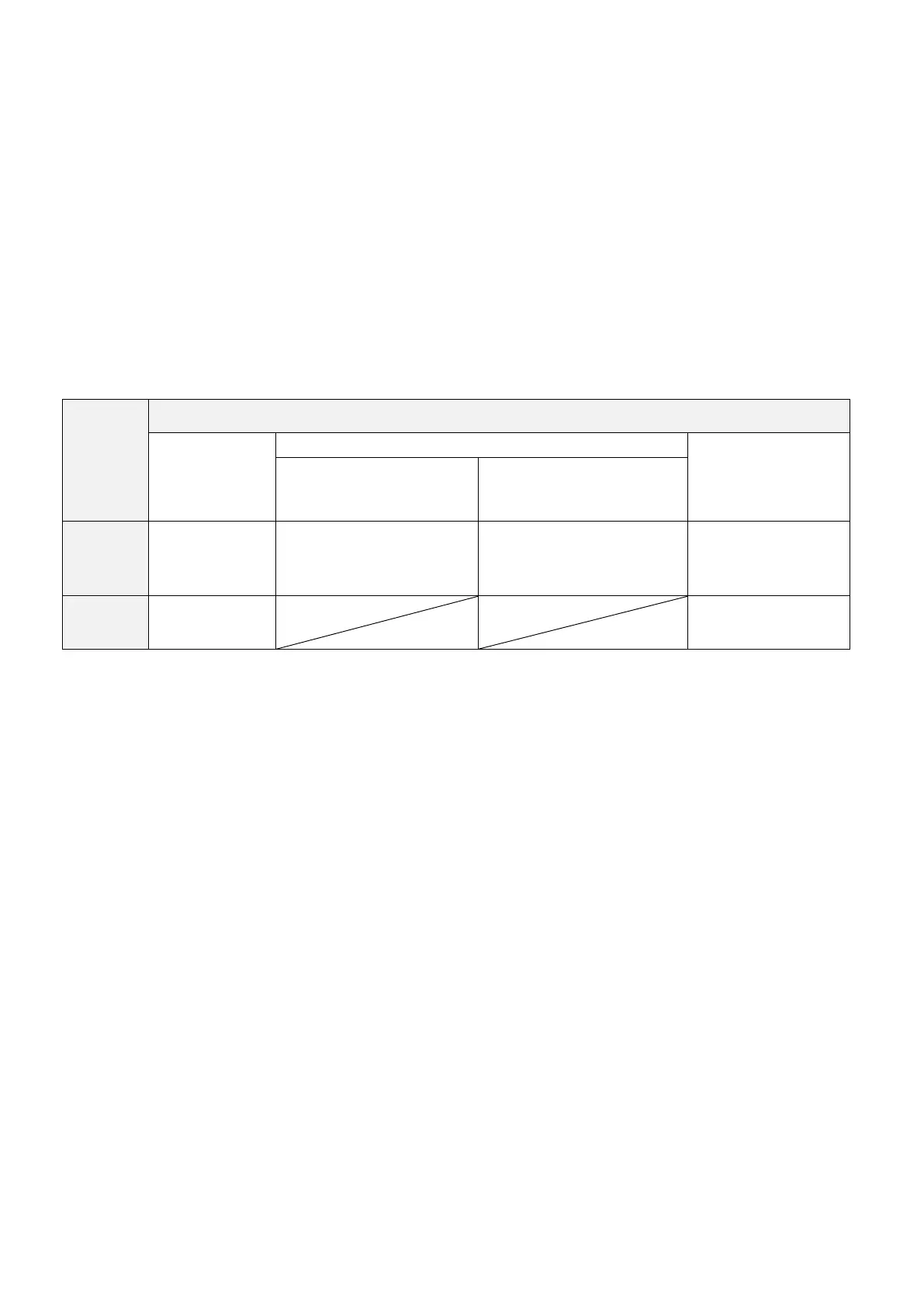
3.3) Indicator status of Gateway
4) Fault finding
a)No activation:
- Check setting program successful
- Check wifi router connection
b)No response
- -Check if the socket has electricity, try changing it to another place
- -Try changing a device
5) Important Notes
a) DO NOT OVERLOAD.
b) To install the product needed by a qualified electrician.
6) Direction!
- Installation must be done by people having knowledge and experience in electrical connections
- Improper installation can cause danger for your own life the life of everyone using the electrial appliance
- Improper installation can cause damage of property e.g. fire
- You are personally liable for damage of property or humans


 To Next Page
 Loading...