3
Installation Instructions
• Insert the X-Micro FireWire 1394 PCI Adapter in a free PCI slot in your PC,
and then turn-on the computer.
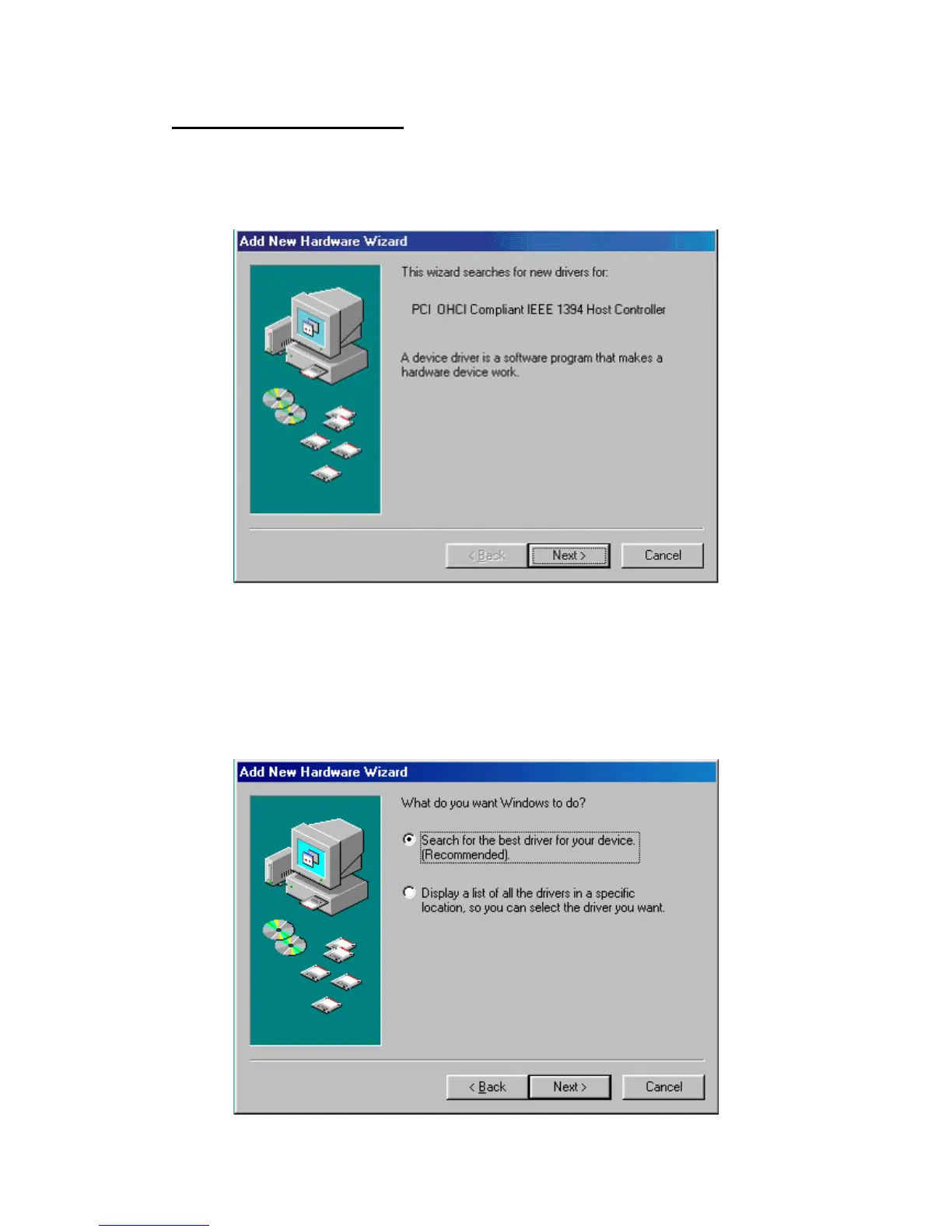
• The Add New Hardware Wizard window appears, see below.
• Click "Next". The next window appears.
• Select "Search for the best driver for your device (Recommended)", and
click "Next".



 To Next Page