CZ
JP
CN
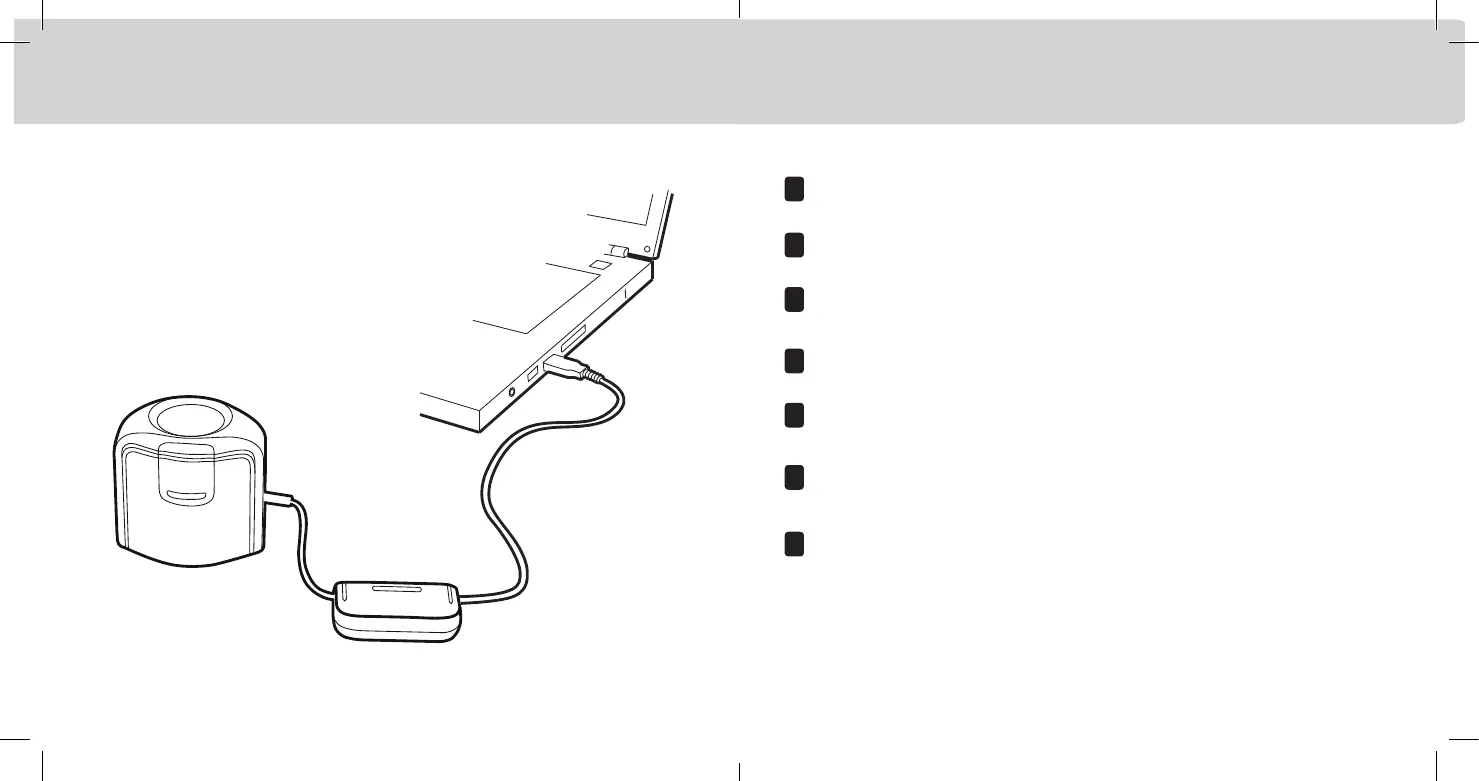
After you have completed the software installation process, attach the device to your computer’s USB port.
Bitte schließen Sie nach Abschluss der Installation das Gerät an den USB-Anschluss Ihres Computers an.
Une
fois le processus d’installation du logiciel terminé, connectez le périphérique au port USB de votre ordinateur.
Dopo aver completato il processo d’installazione del software, collegare il dispositivo alla porta USB del computer.
Poté, co dokončíte instalaci aplikace, připojte zařízení do konektoru USB v počítači.
.ソフトウェアのインストールが終了後、装置をコンピューターの USB ポートに接続してください。
完成软件应用程序安装过程后,将设备连接到计算机的 USB 端口。
EN
DE
FR
IT
Installation 2 Installation 2 Installation 2 Installazione 2 Instalace 2 インストール 2 安装 2


 To Next Page