Basic Installation Procedures
975-0784-01-01 23
Step 3: Mounting the Unit
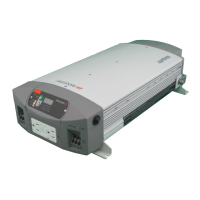
To mount the Freedom XC:
1. Remove the Freedom XC from its shipping container, verify
that all components are present, and record relevant product
information on “Information About Your System” in the
Owner’s Guide.
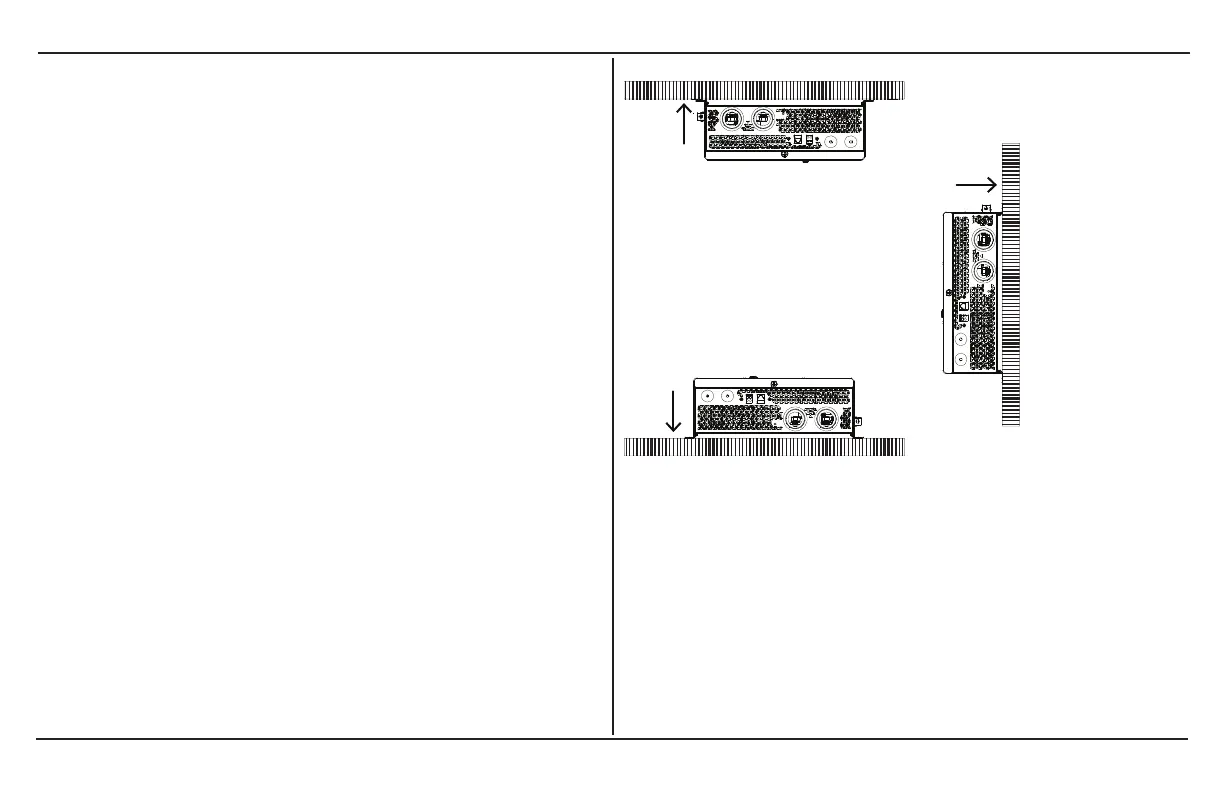
2. Select an appropriate mounting location and orientation (see
Figure 6 ). To meet regulatory requirements, for use in on-
land applications, the Freedom XC must be mounted in one
of the following orientations:
a. Under a horizontal surface (see A)
b. In a horizontal position on a vertical surface (see B)
NOTE: For marine installations, only this orientation is
allowed, due to the probability of moisture finding
access into the enclosure.
c. On a horizontal surface (see C)
Figure 6 Approved Mounting Orientations
3. Mark the desired number of mounting holes on the wall by
placing the unit on the wall.
4. Pilot-drill the mounting holes.
5. Fasten the Freedom XC to the mounting surface. If you are
mounting the unit on a wall or bulkhead, use #12 or #14 pan-
head wood or sheet metal screws to secure it to the framing
behind the wall or bulkhead. Alternatively, use nut inserts
and ¼"-20 machine screws.



 To Next Page
 Loading...