
 Need help?
Do you have a question about the Xavax FeelSafe and is the answer not in the manual?
Instructions for inserting the SIM card into the GSM add-on module.
Important notes regarding SIM card usage and activation.
Information on the function and status of the LEDs.
Guidance on choosing a suitable location for the module installation.
Important notes regarding the control unit mounting.
Guide to setting and changing the 4-digit PIN for system access.
Explanation of the different system modes: STANDBY, ARM, ALERT, HOME.
How to arm the system and its behavior during an alarm.
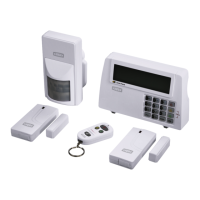
Specifications of the alarm system components.
 General
| Brand | Xavax |
|---|---|
| Model | FeelSafe |
| Category | Security System |
| Language | English |

 To Next Page