1. Video recording mode. Pressing this icon transfers to video mode.
The camera starts by default in this mode.
2. Photo mode. Pressing this icon takes you to the capture mode
3. File overview. Pressing this icon moves to the mode where we can view
photos and videos taken by the camera
4. Camera settings. Pressing takes us to the advanced settings
of the device.
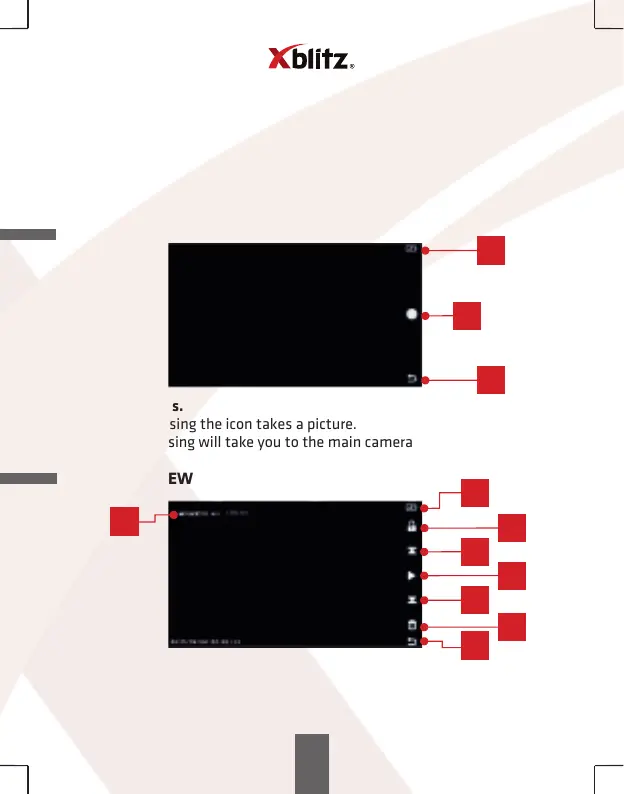
PHOTO MODE
1. Battery status.
2. Picture. Pressing the icon takes a picture.
3. Return. Pressing will take you to the main camera MENU.
FILES OVERVIEW
1. Battery status.
2. Video protection. The icon shows whether the video is unsecured
("padlock open") or secured ("padlock closed") before overwriting.
3. Next file.
4. Play / Pause.
25
1
2
3
1
2
3
4
6
5
7
8



 To Next Page