ENGLISH
XBOX ONE:
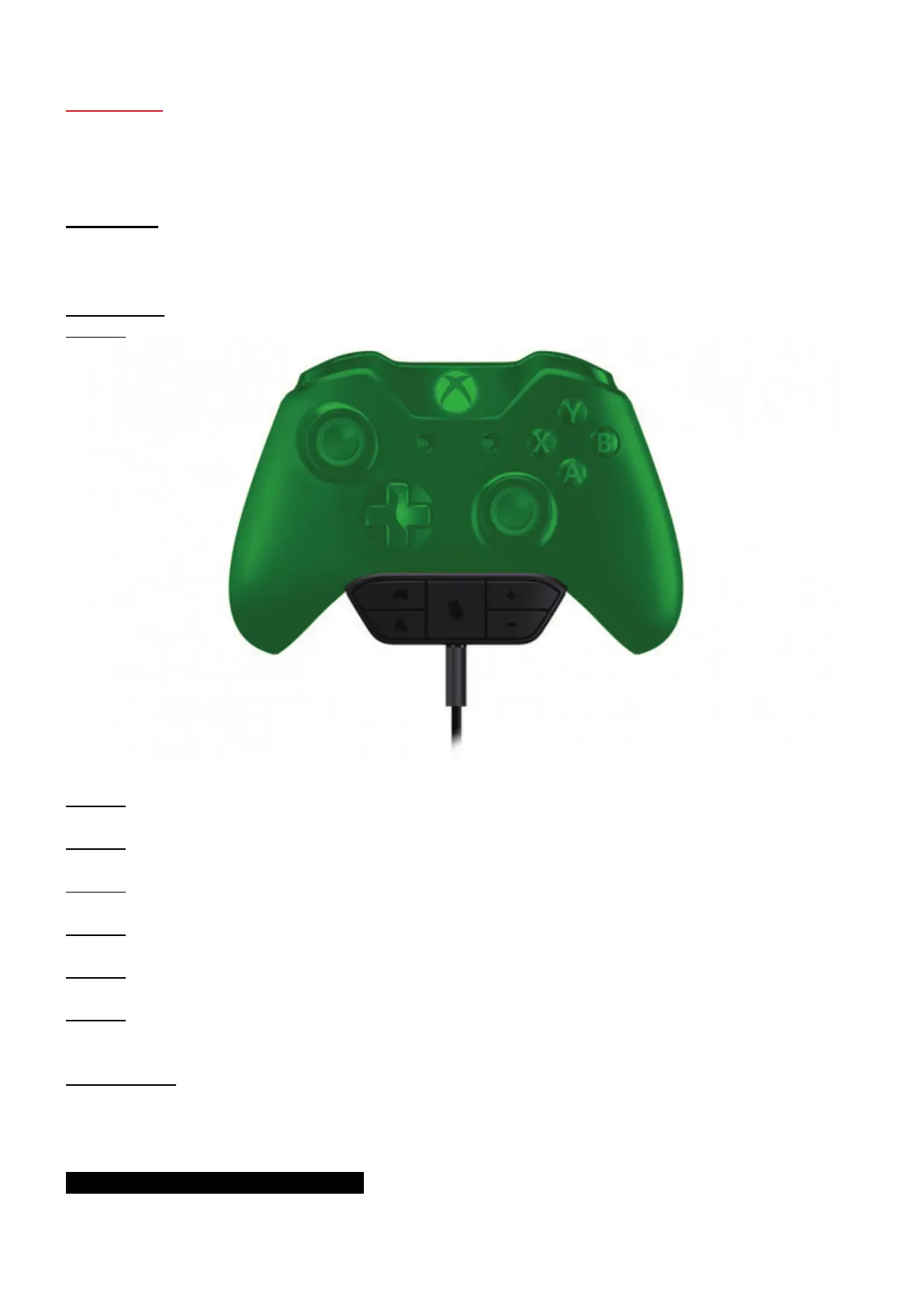
HOW TO USE AN XBOX ONE CHAT HEADSET WITH A JOYSTICK
Important:
Make sure that both your console and your game are up-to-date.
Procedure:
Step 1: Connect the headset to your gamepad.
Step 2: Power on the console with your gamepad.
Step 3: In the console’s menu, log in to your profile with the gamepad.
Step 4: Start up the game.
Step 5: In the game, press the A button on your joystick.
Step 6: Log in to your profile with the joystick.
Step 7: You can now access multiplayer mode with your joystick, and use the headset while
playing using the joystick.
Please note:
To avoid the gamepad automatically switching to standby mode, connect the gamepad to one of
the console’s USB ports using the USB cable or the Xbox One Play & Charge Kit.
YOU ARE NOW READY TO PLAY!



 To Next Page