16
Remote control • XCEL HD2
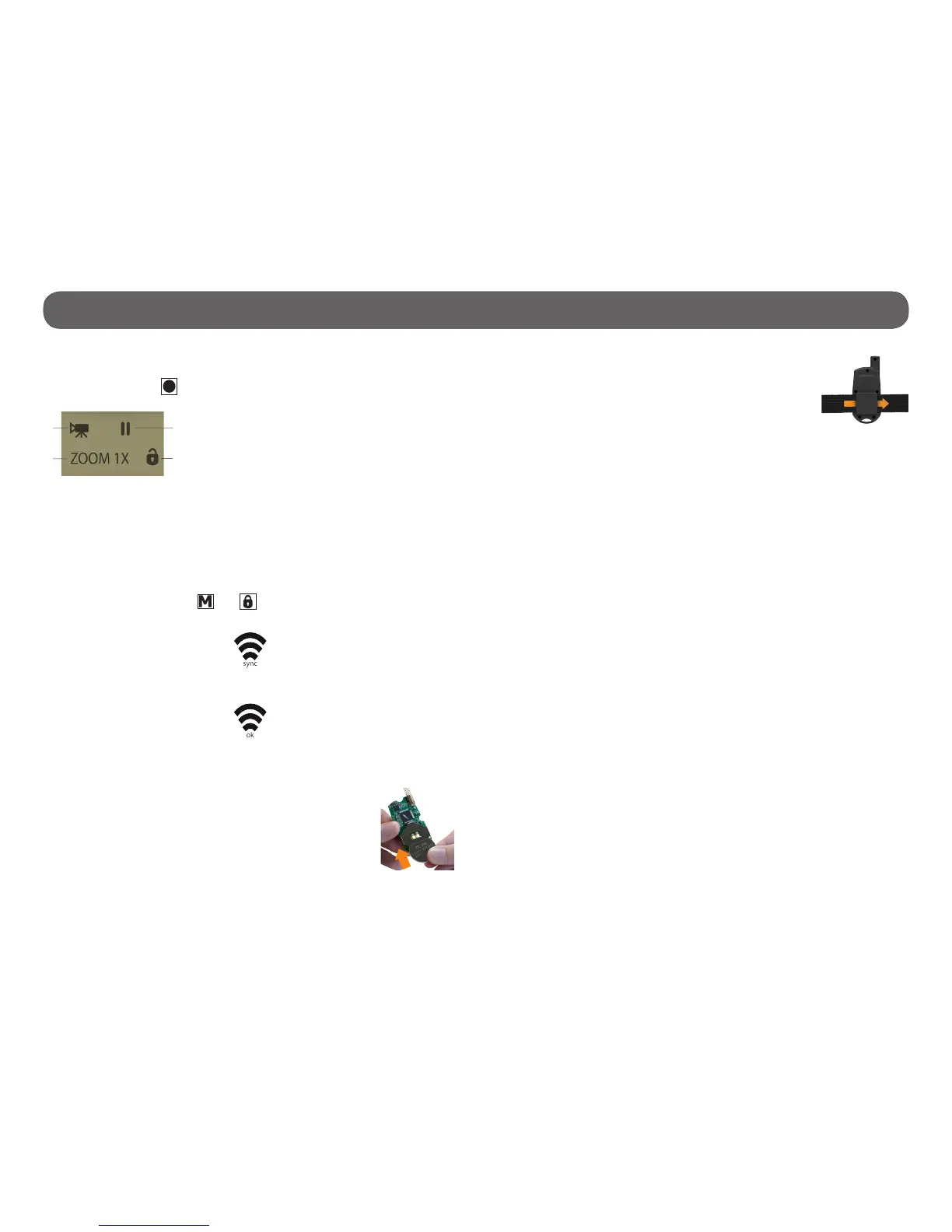
SCREEN
To access to the screen, press any button except the start/stop the video
and photo recording ( ). The screen turns off after 10 seconds in order to
preserve battery life.
1) Selected mode
2) Zoom selected
3) Recording status
4) Keypad lock
REMOTE CONTROL SYNCHRONIZATION
It is necessary to synchronize the remote control with the camera at the
rst use following the instructions below:
1. Verify that the remote control is off.
2. Turning on the camera.
3. Simultaneously press the and buttons on the remote control until
the wireless signal icon (sync) appears.
4. When the synchronization is complete, the wireless icon (OK) will appear
on the screen.
LITHIUM BUTTON BATTERY
The remote control must be powered by a lithium button bat-
tery CR2450. Insert the battery in the indicated direction,
the polarity of the battery must be respected (+ upwards).
Replacing the battery does not affect the last synchronization
performed with the camera. DO NOT DISPOSE OF BATTERIES
IN THE GARBAGE.
3
4
1
2
ATTACHING THE REMOTE CONTROL
To attach the remote control using the Velcro strap
(included), just insert the Velcro strap into the slots on
each side of the back of the remote.


 To Next Page