8
CUSTOMIZE YOUR
TRI-SCREEN 2
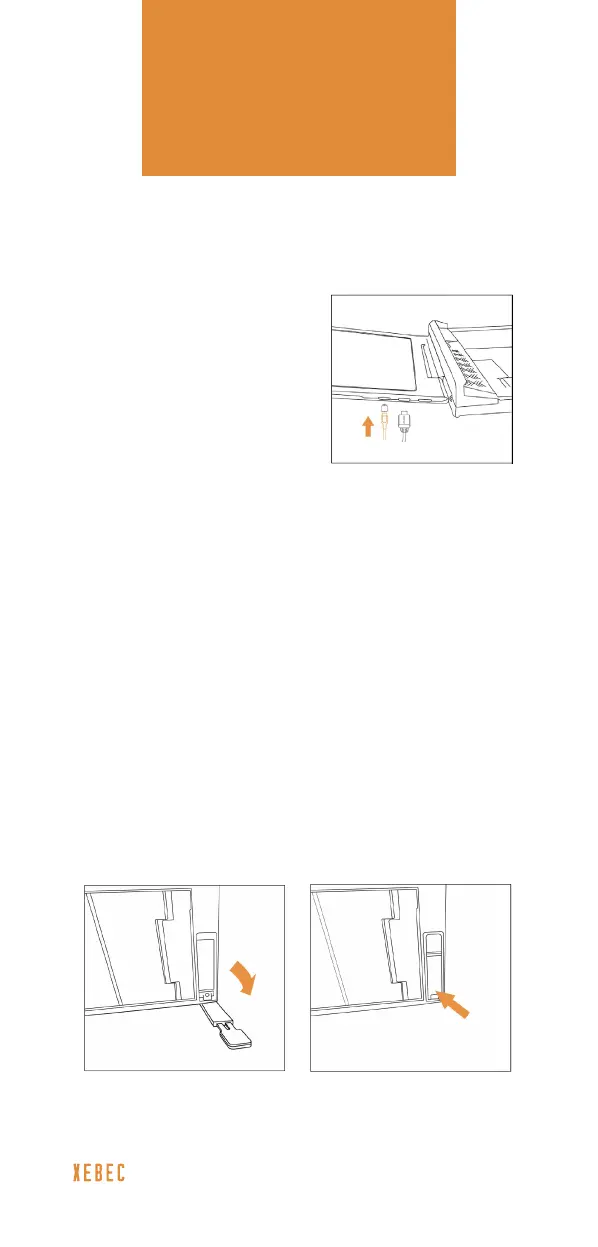
Kickstand
PASS-THROUGH
CHARGING
If your laptop charging port
is a USB-C port that you
are using to connect your
Tri-Screen 2, you can still
charge your laptop by using
our pass-through charging
feature. Just plug your
laptop’s power cable into
the Xebec USB-C 90-Degree
Pass-Through Charging Adapter and then
into the one of the Tri-Screen 2’s USB-C inputs.
BUILT-IN KICKSTAND FOR EVERYDAY USE
To provide a little extra screen support, an ex-
tendable kickstand is built in to the back of your
Tri-Screen 2. Simply pull down the kickstand and
extend the foot to the desired length.
When you’re done, push the foot back in, lift the
kickstand into the slot, and press just above the
bottom hinge to “click” it back into place.



 To Next Page