7
Night Light Function
You can set the time period via the mobile app to enable the night light mode. When turning
on the lamp with the night light mode enabled, the lamp will automatically enter into night
light mode to avoid excessive brightness to the eyes. When turning on the lamp during non-
night light periods, the lamp will automatically return to the state saved in normal mode.
Connect with Mi Home / Xiaomi Home App
The product works with Mi Home / Xiaomi Home app *. Control your device, and interact it
and other smart home devices with Mi Home / Xiaomi Home app.
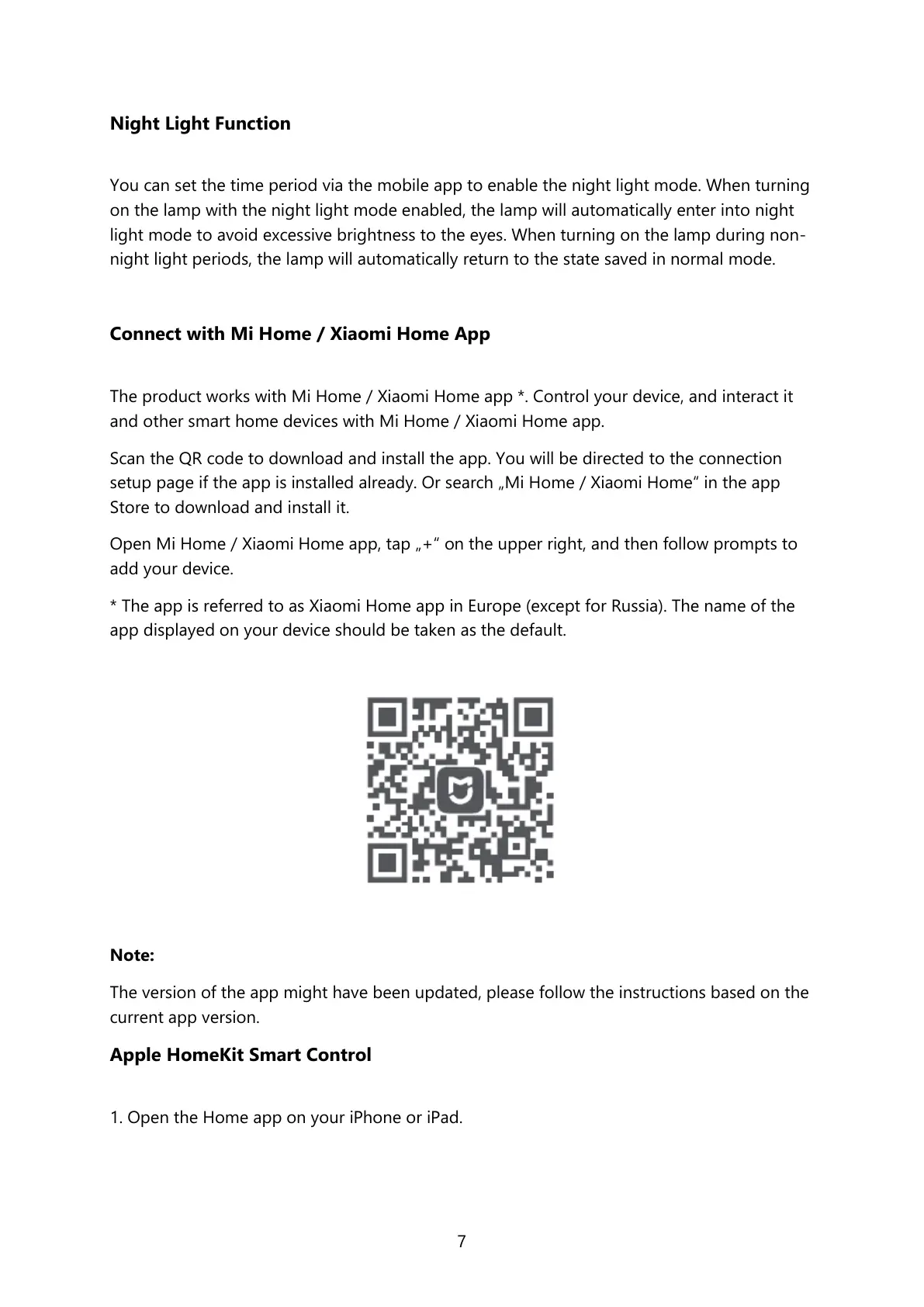
Scan the QR code to download and install the app. You will be directed to the connection
setup page if the app is installed already. Or search „Mi Home / Xiaomi Home“ in the app
Store to download and install it.
Open Mi Home / Xiaomi Home app, tap „+“ on the upper right, and then follow prompts to
add your device.
* The app is referred to as Xiaomi Home app in Europe (except for Russia). The name of the
app displayed on your device should be taken as the default.
Note:
The version of the app might have been updated, please follow the instructions based on the
current app version.
Apple HomeKit Smart Control
1. Open the Home app on your iPhone or iPad.



 To Next Page