Need help?
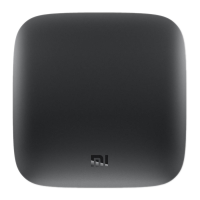
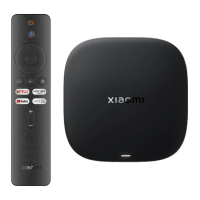
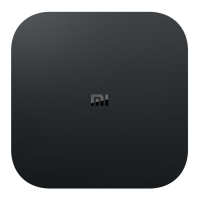
Do you have a question about the Xiaomi Mi Box S and is the answer not in the manual?
Connect the HDMI cable from the Mi Box S to the TV.
Establish a Wi-Fi network connection for the Mi Box S.
 General
| Processor cores | 4 |
|---|---|
| Processor architecture | Cortex-A53 |
| Internal memory | 2048 MB |
| Internal memory type | DDR3 |
| Storage media type | eMMC |
| Card reader integrated | No |
| Internal storage capacity | 8 GB |
| Graphics card | Mali-450 |
| Audio formats supported | APE, FLAC, MP3 |
| Image formats supported | BMP, GIF, JPG, PNG, TIF |
| Video formats supported | AVC, AVI, H.264, H.265, HEVC, MKV, MOV, MP4, RM, TS, VOB, VP9 |
| Operating system version | 8.1 |
| Operating system installed | Android |
| Wi-Fi | Yes |
| USB version | 2.0 |
| Frequency band | 2.4/5 GHz |
| Wi-Fi standards | 802.11a, Wi-Fi 5 (802.11ac), 802.11b, 802.11g, Wi-Fi 4 (802.11n) |
| Bluetooth version | 4.2 |
| USB ports quantity | 1 |
| Product color | Black |
| Supported video modes | 1080p, 2160p |
| Maximum video resolution | 3840 x 2160 pixels |
 Weight and Dimensions
| Width | 95.25 mm |
|---|---|
| Height | 16.7 mm |
| Weight | 147 g |

 To Next Page