02
Instructions
Turning on
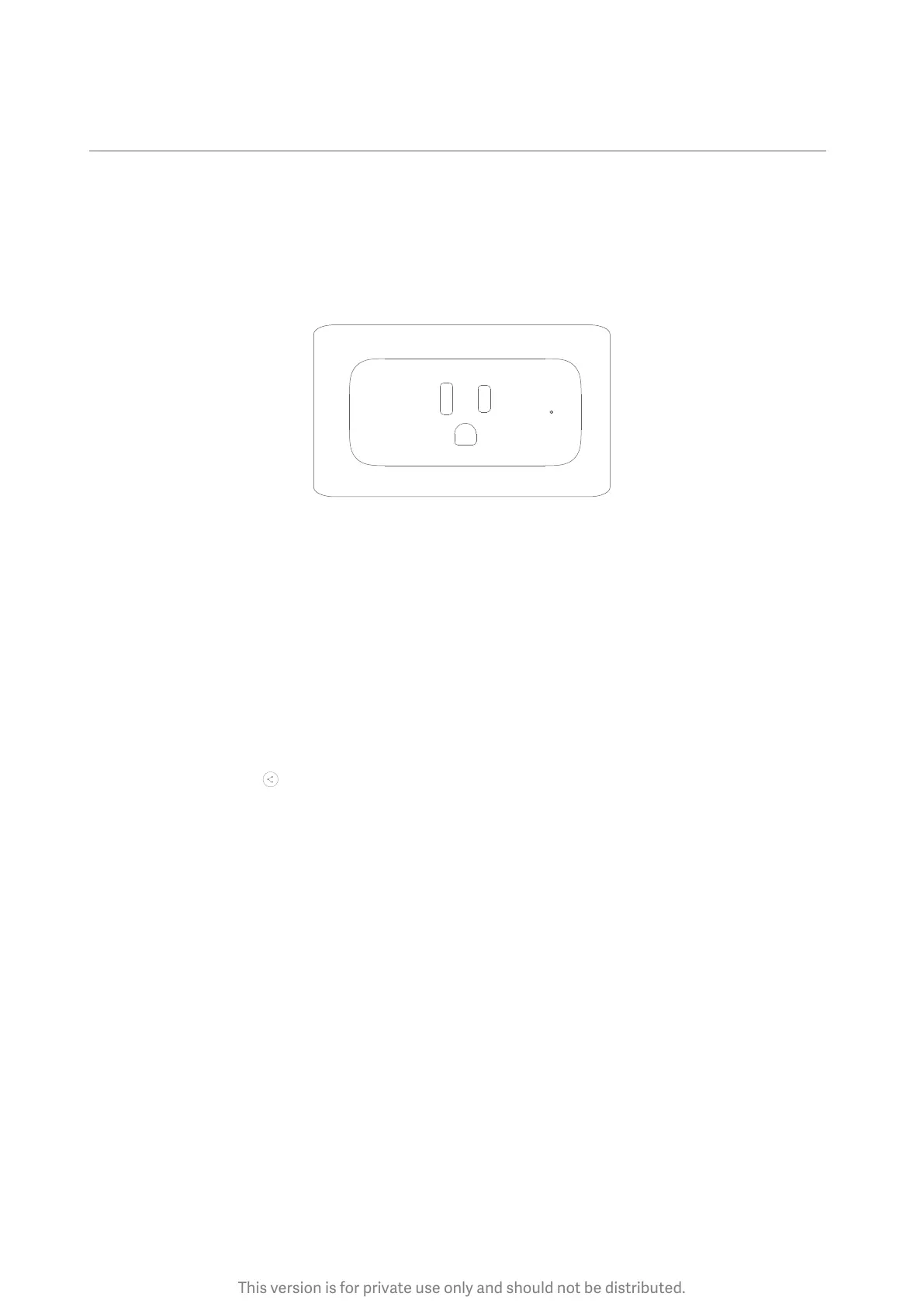
Connect the smart plug to the power supply socket. The smart plug turns on successfully
when the indicator light is on.
Note
Sharing devices
It is not necessary for everyone trying to use the smart plug to connect to it individually.
A user who is already connected may share it with other users.
How to share it: Tap ‘ ’ from the upper right corner of the Mi Smart Plug (Wi-Fi) screen to
share with designated accounts or family.
1. Ensure the smart plug is located somewhere with a stable Wi-Fi connection.
2. Keep away from damp environments to avoid the risk of water entering the smart plug.
3. Keep away from flames to ensure the smart plug is not burned.
This version is for private use only and should not be distributed.


 To Next Page