XBOX ONE 100
XMOD Modded Controller
You can TEST your speed by pushing the RIGHT
Trigger (RT) at any time.
The LEDS will flash when the MAXIMUM or
MINIMUM speed are reached.
Repeat the same actions to adjust each speed.
Each speed must be programmed individually.
They can be adjusted from 5 to 30 shots per
second.
You can RESET to DEFAULT each speed
individually or you can RESET ALL SPEEDS to
Factory Settings just in one action.
FACTORY DEFAULT
SPEEDS
Speed 1: 8 sps.
Speed 2: 9 sps.
Speed 3: 10 sps.
Speed 4: 15 sps.
Speed 5: 20 sps.
Speed 6: 25 sps.
Speed 7: 8 sps.
Speed 8: 8 sps.
Speed 9: 8 sps.
Speed 10: 8 sps.
ADDING-REMOVING SPEEDS (2-10)
This controller can be programmed to use with 2 to 10 different Rapid Fire speeds. It will have
6 pre-programmed speeds by Factory Default. You can decrease this number down to 2 (two)
or increase them up to 10 (ten) speeds.
To ADD-REMOVE speeds:
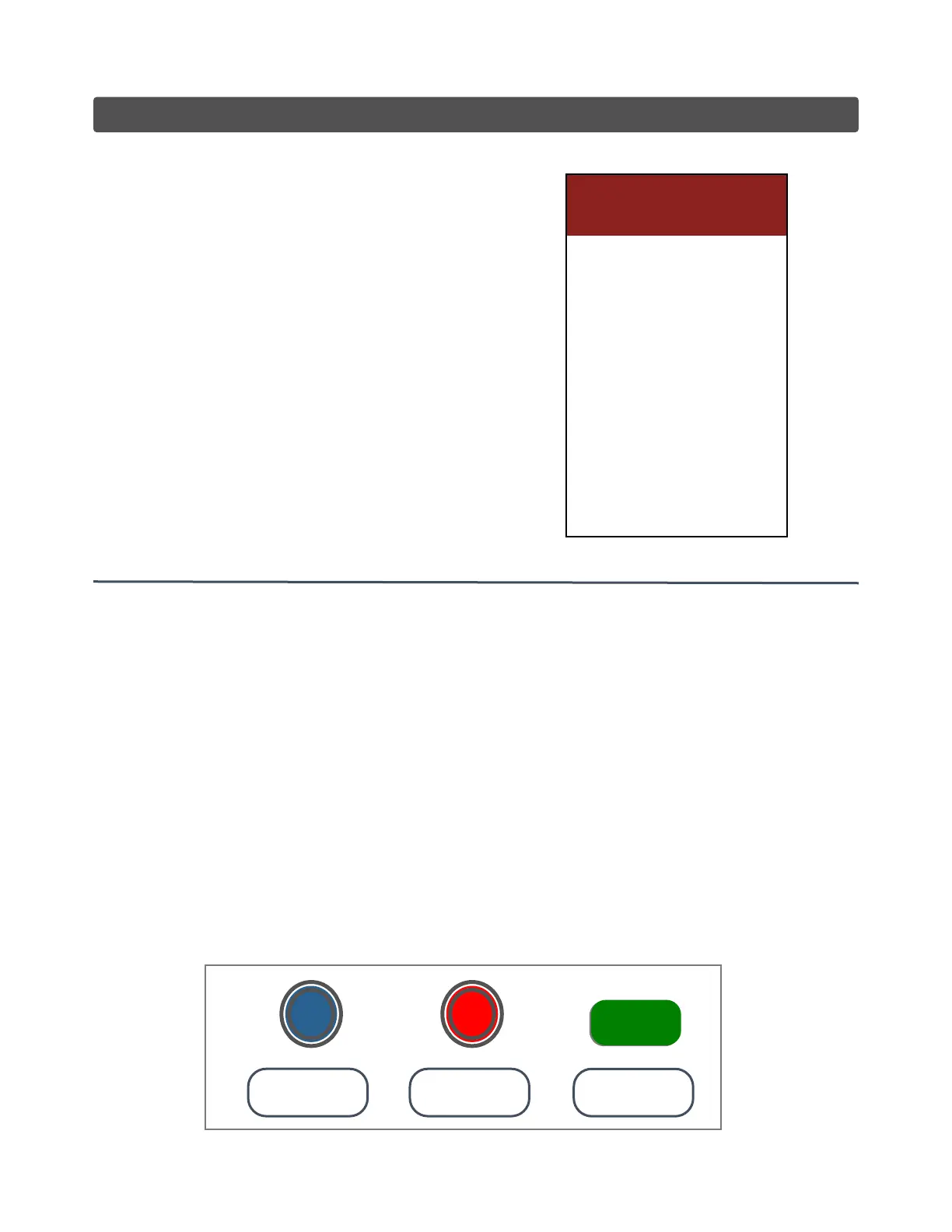
● Enter in “SETTINGS”.
● Tap the A button to enter in: “Add-Remove Speed”.
● Tap the RIGHT Thumb Stick to INCREASE quantity (max. 10).
● Tap the LEFT Thumb Stick to DECREASE quantity (min. 2).
● Tap the MODE button to SAVE & EXIT.
MODE
REMOVE
SPEED
ADD
SPEED
SAVE &
EXIT
LS
RS
MODE


 To Next Page