XBOX ONE 100
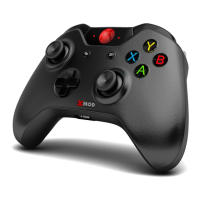
XMOD Modded Controller
To adjust the BURST ROUND:
● Enter in “Special Functions” (LEFT thumb + MODE)
● Hold the RIGHT TRIGGER and the B button for 3 seconds.
● Tap the RIGHT Thumbstick (RS) to INCREASE the round number.
● Tap the LEFT Thumbstick (LS) to DECREASE the round number.
● The LEDS will blink to indicate the quantity selected.
● Tap the MODE button to SAVE & EXIT.
SETTING THE BEEPER INDICATOR
To switch the beep indicator ON/OFF:
● Enter in “Special Functions” (LEFT thumb + MODE)
● Hold the RIGHT TRIGGER and the Tap the RIGHT thumbstick (RS).
To adjust the BEEPER TONE:
● Enter in “Special Functions” (LEFT thumb + MODE)
● Hold the RIGHT TRIGGER and the RIGHT thumbstick for 3 seconds.
● Tap the A or B buttons to change the tone.
● Hold the Y button to to test.
● Tap the MODE button to SAVE & EXIT.
MASTER RESET TO FACTORY DEFAULT
To restore all settings to Factory Default values:
● Turn the XBOX ONE Controller OFF.
● Press & Hold the MODE button.
● While holding it, turn the XBOX ONE Controller ON.
● The LEDs will flash for 5 seconds.
● All settings will be restored to default values.


 To Next Page