7
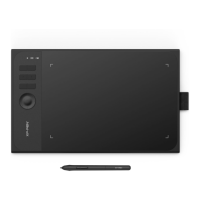
express keys to “Switch Ring function” (if applicable), so that to switch roller or touch
control function.
Customize express key:
Select “customize” from the drop-down menu to customize the function of each
express key. The setting steps are the same as those of digital pen keys (see 3. Pen
settings
).
Select the function you want to use from the default four groups of functions. You
can customize or set this function to have no effect.
Customize
:
In the custom settings, you can set KL and KR to corresponding key combinations and
use custom naming.



 To Next Page
 Loading...