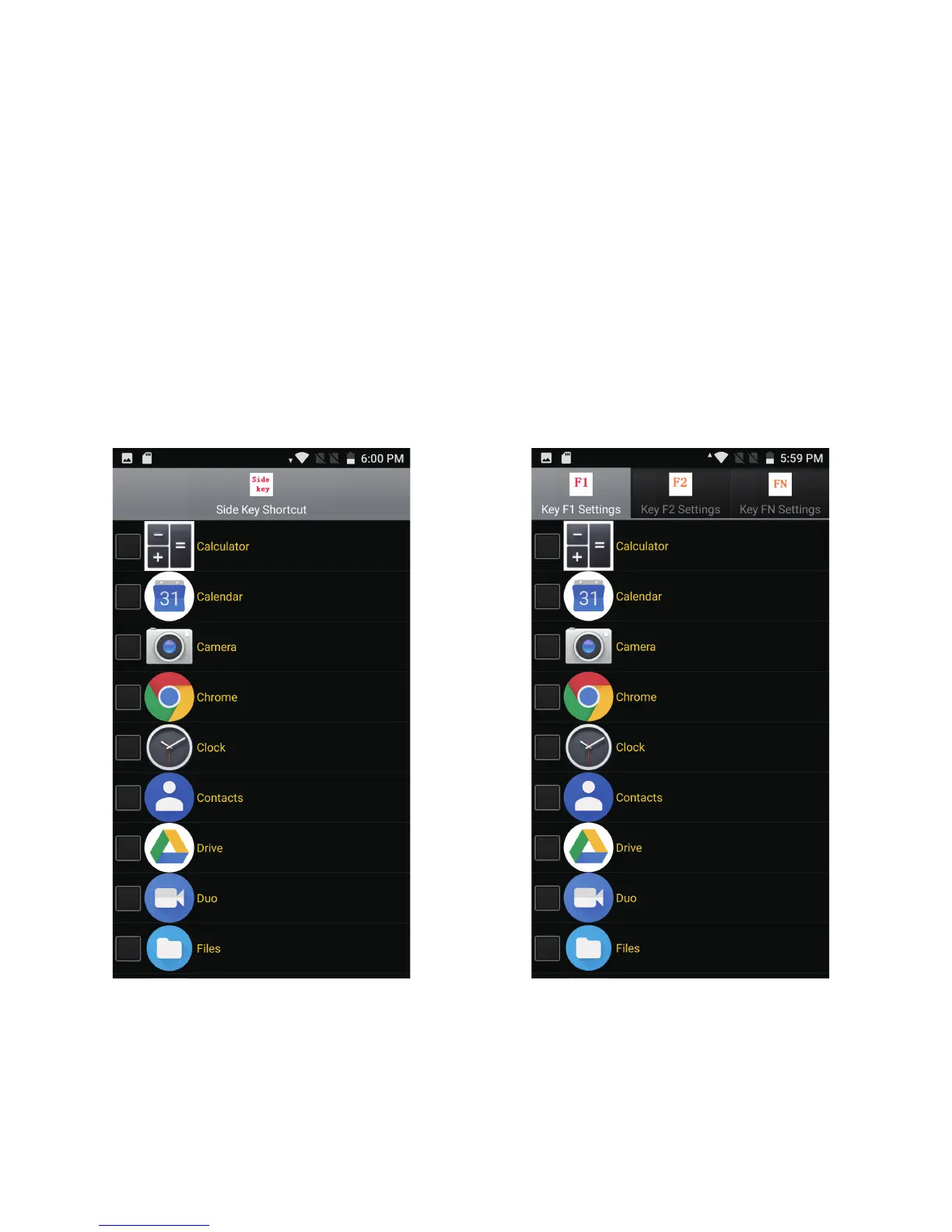
Figure 4 Figure 5
10. Shortcut Keys setting
11. Side Key setting
Slide the screen left or right → "Settings" to go into the settings panel, go to the
"PTT Key Set" and select the APK that you want to start when you Press Side button.
12. Front Functional keys setting
Slide the screen left or right → "Settings" to go into the settings panel>system, go to
the "F1F2FN Key Set" and select the shortcut to set F1 button, and select the APK that
you want to start when you Press F1 button.
You can choose the shortcut of the F2/FN button in the same way.



 To Next Page