4
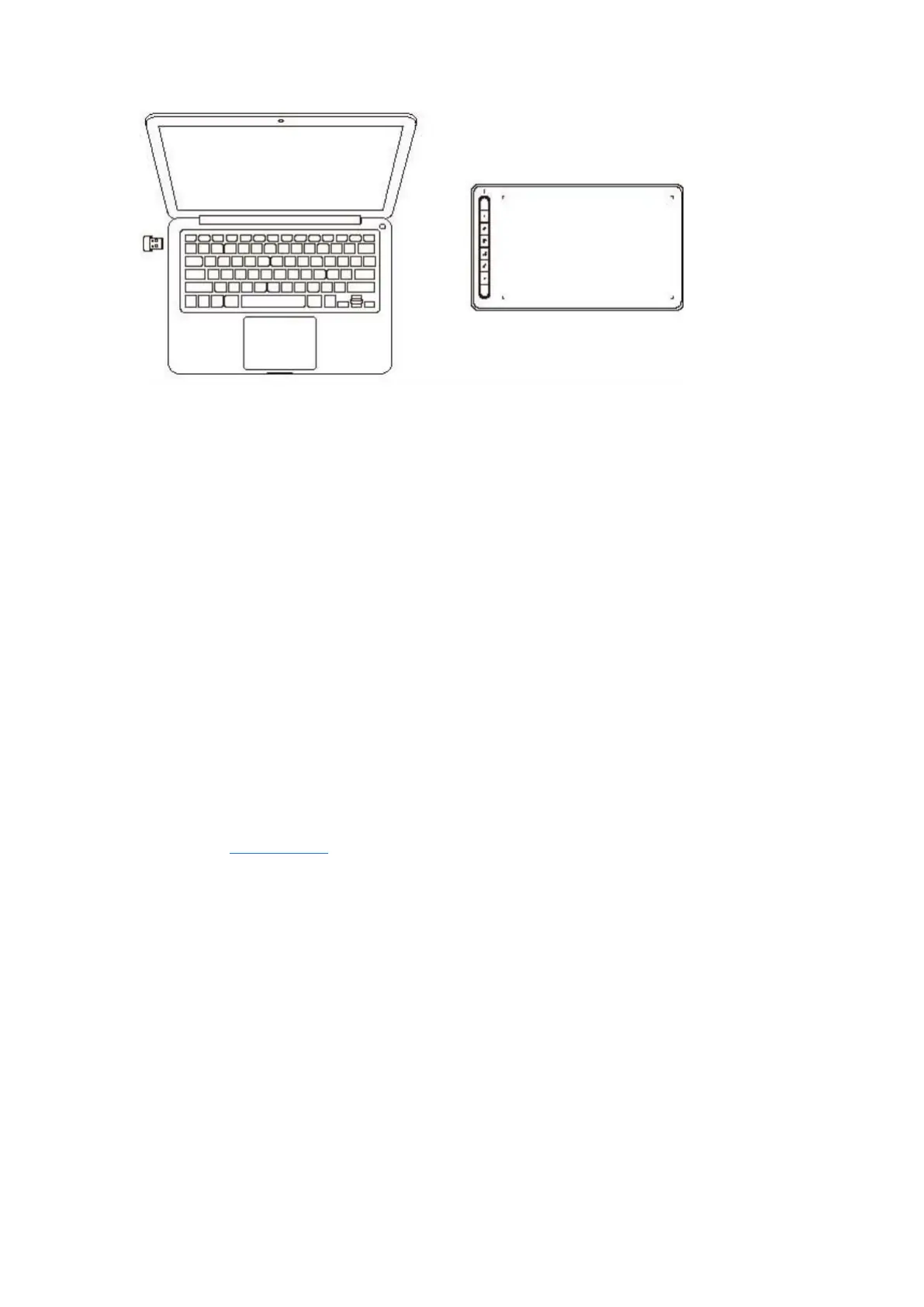
A. Connect via Wireless receiver
Plug the wireless receiver into your computer and press and hold power key for 3 seconds to
turn on the drawing tablet.
B.
Connect wirelessly via Bluetooth (for Windows 10 or later/macOS 10.10 or later
only)
1)
Press and hold the power key for 3 seconds to turn on the drawing tablet, and press and
hold the shortcut key on the left top for 3 seconds to wait for pairing (blue light flashing
fast).
2)
Turn on the computer Bluetooth to add Bluetooth device, find the device name and click
to complete Bluetooth pairing (blue light on).
3) Press and hold the power key for 3 seconds to turn off the device.
3. iOS Connection (for Deco LW and Deco MW only)
A. Download APP
Search "ibis Paint X" or "ibis Paint" in the app store, and download and install it. It is
recommended to update it to the latest version to be compatible with XPPen.
* Please visit use of the APP.
B. Connect Drawing Tablet via iOS device
C. Turn on the drawing tablet
D. Bluetooth connection
1) Press and hold the shortcut key on the left top of the device for 3 seconds to enter pairing
state (blue light on and flashing fast).



 To Next Page