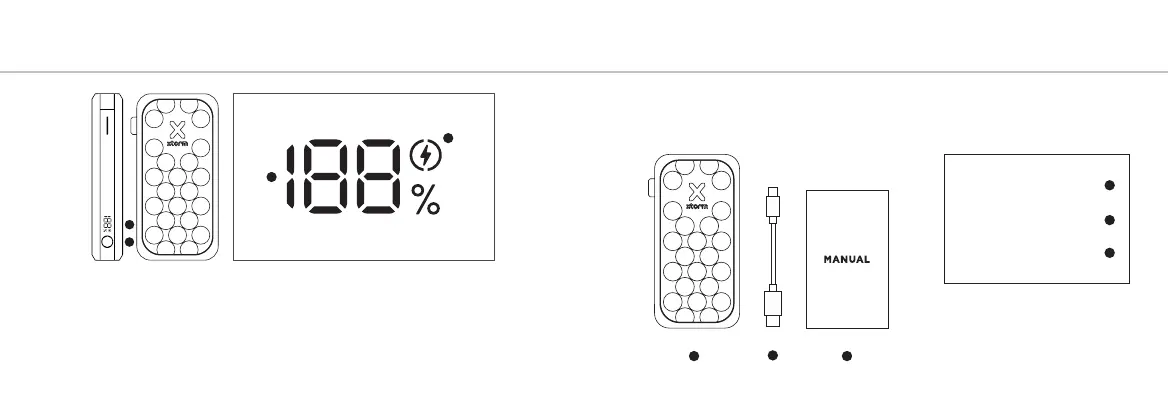
5A Press the Power Button once to display the battery level remaining in the Power
Bank via the LED display. Improved Power Button function:
- single press to turn on/off the diplay
- double press to fully turn on/off the Power Bank
5B The display shows the remaining battery percentage between 0% (empty)
and 100% (fully charged).
LED POWER INDICATOR5 IN THE BOX 6
1
2
3
FS5271
Power Bank
USB-C PD Cable
Manual
1
2
3
A
B
C
B
5C The fast charge indicator will light up when you are using the correct cable for
fast charging your device. (67W USB-C PD and higher).



 To Next Page