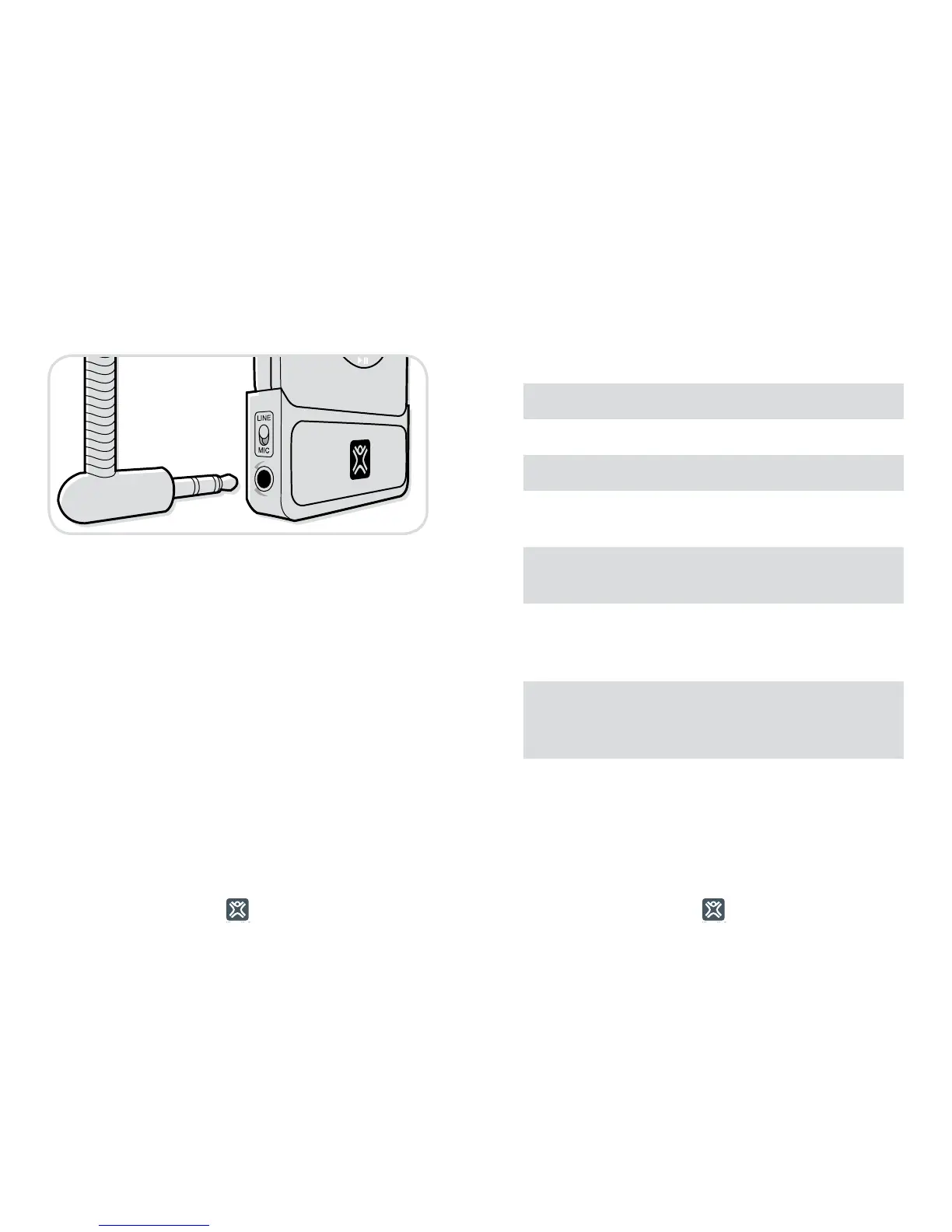
To record from another source other than a
microphone—like a computer, a mixing board,
or a stereo—plug the cable into the 3.5mm jack
and move the switch above the microphone
port from Mic to Line. This will also allow you
to record in stereo direct to your iPod.
Recording Quality
MicroMemo records in 2 different levels: Low (default)
and High.
You change the setting at Extras > Voice Memos > Quality.
All memo files are saved in WAV format.
Low High
Bit Rate
352 kb/s 1411 kb/s
Sample Rate
22.05 kHz 44.10 kHz
1-Minute
Recording
2.6 MB 10.3 MB
1-Hour
Recording
156 MB 618 MB
Recording
Capacity
(30GB iPod)
192 Hours 48 Hours
Recording
Capacity
(60GB iPod)
384 Hours
98 Hours
Recording
Capacity
(80GB iPod)
512 Hours 129 Hours



 To Next Page