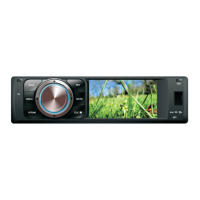
Main Menu
2
9
1
3
7
10
11
12
5
24
8
6
|
|
|
5
1. Return to the Previous Menu
2. Return to the Home Screen
3. Recent Apps
4. Display Date and Time
5. Display Time Clock, Compass or
Speedometer
6. Control and Playback of Currently
Playing Audio
7. Display the Home Screen Apps
8. Navigation
9. Radio
10. Video
11. Audio
12. Display More Apps
4
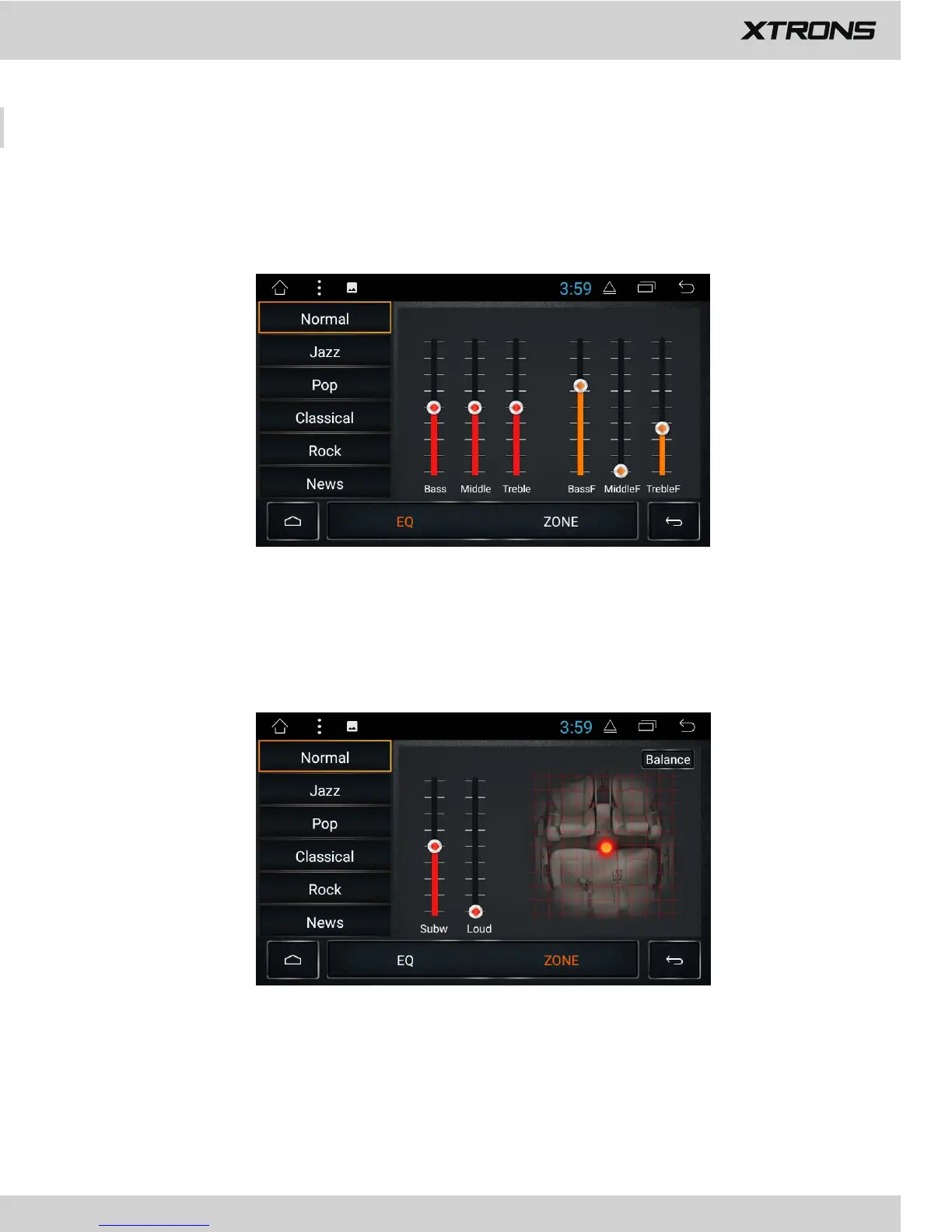
Fader/balance adjustment
You can select a listening position that you want to make as the center of the sound
effects.
Equalizer adjustment
You can choose from Normal, Jazz, Pop, Classical, Rock, News, Urban, and Techno.
EQ


 To Next Page
 Loading...