A. OBD II Cable - provides communication
for vehicle DLC.
B. LCD Display - shows menus, test results
and operation tips.
C. UP Key - moves selection up.
D. ESC Key - returns to previous screen or
level.
E. ENTER Key - confirms an action or enter
system setup menu from home screen
F.DOWN Key - moves selection down
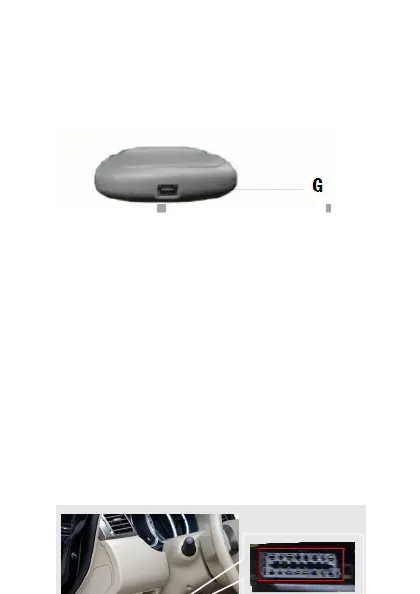
G.USB Port – provides a USB connection
for the PC or laptop.
1.4 Connected to vehicle
Connect the diagnostic mail cable to the
Vehicle’s DLC socket which is generally
located under the dashboard.



 To Next Page