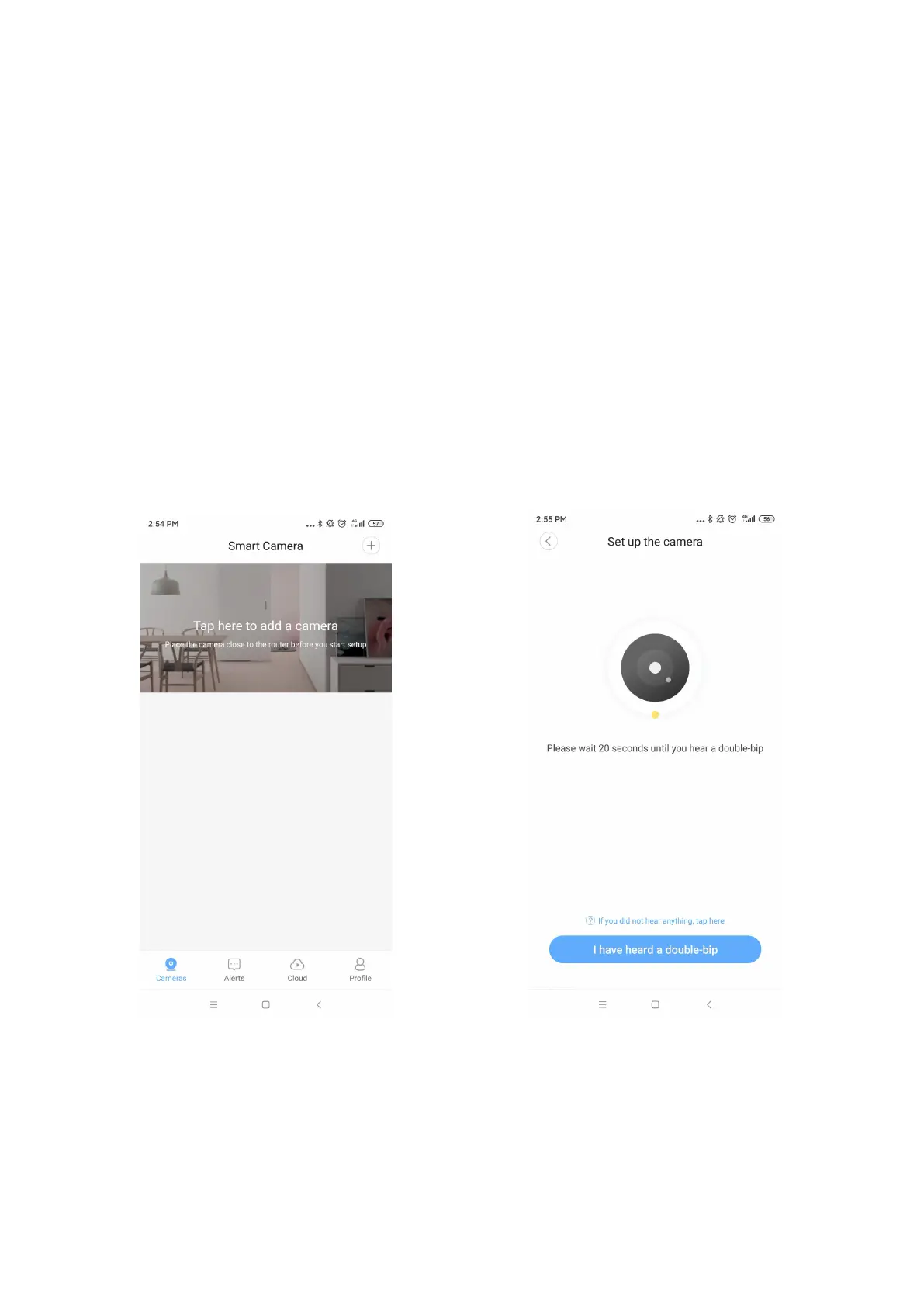
4. Add Devices
A: “Tap” or click “+” to add camera
B: Click button “I heard a double-bip” when you hear
C: Enter your home WiFi and Connect to WiFi
D: Show the QR code to Camera Lens
E: Click “Next” when you hear “connect is processing”
F: Wait 1-2 minutes until connect successfully



 To Next Page