13
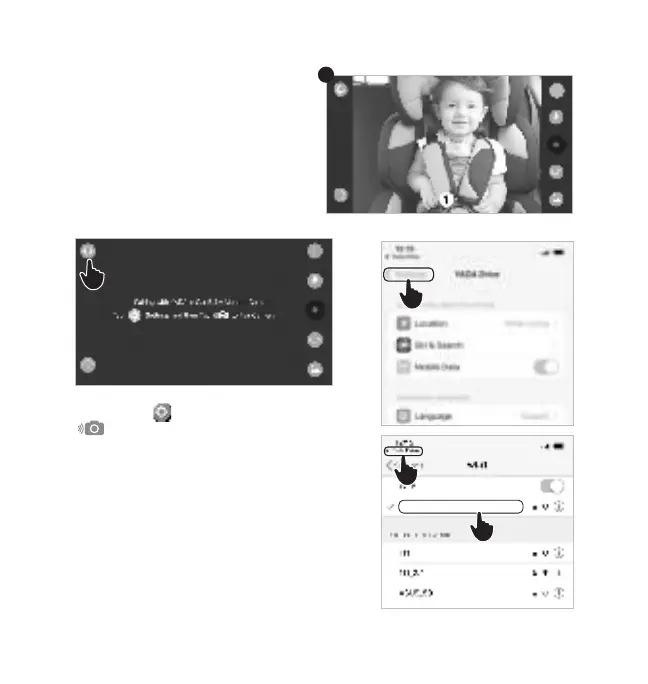
4. Click the icon and then select the
Pair Camera Icon.
5. Click Settings on the APP permissions
setting page. Scroll to the top, and press to
enter the WiFi setting page.
6. Connect to “YADA_BBC01_1080P_
XXXXXX”
7. Return to the YADA Drive APP.
8. You should now be able to
see the live view of the Car Baby
Camera.
8
iOS device (Follow steps 1-3 from
previous page’s instructions)
7
5
6
4
YADA_BBC01_1080P_XXXXXX


 To Next Page