Instrument and control functions
4-7
4
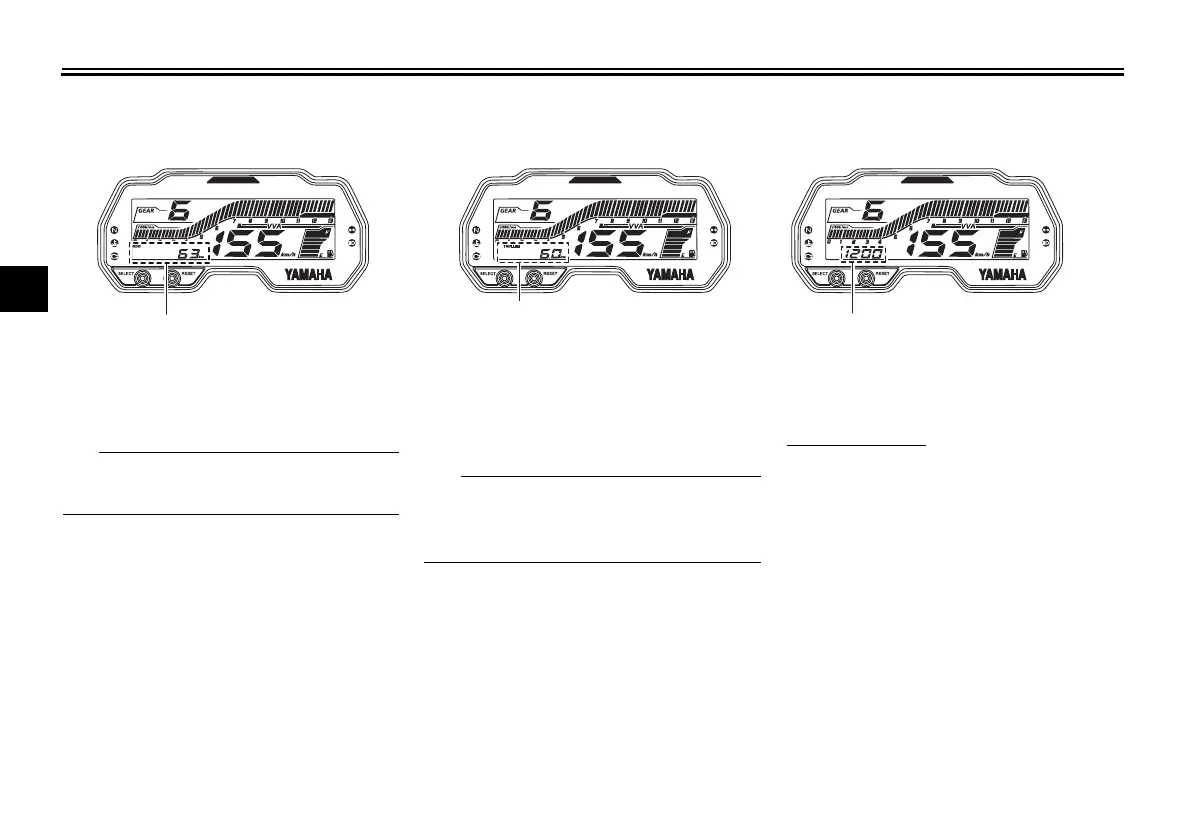
Odometer mode
The odometer shows the total distance
traveled by the vehicle.
The odometer will lock at 999999 and
cannot be reset.
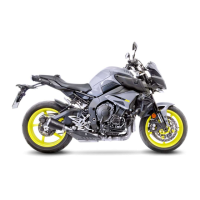
Tripmeters mode
The tripmeters shows the total dis-
tance traveled since they were last re-
set.
The tripmeters will automatically reset
and begin counting again after 9999.9
is reached.
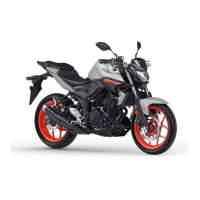
Clock mode
The clock uses a 12-hour time system.
To set the clock
1. Switch the display to the clock
mode.
2. With the display in the clock
mode, push and hold the “SE-
LECT” and “RESET” button to-
gether.
3. When the hour digits start flash-
ing, use the “RESET” button to set
the hours.
4. Push the “SELECT” button and
the minutes will start flashing.
5. Use the “RESET” button to set the
minutes.
1. Odometer
1. Tripmeter
1. Clock
UB7DE0E0.book Page 7 Tuesday, September 18, 2018 3:25 PM



 To Next Page