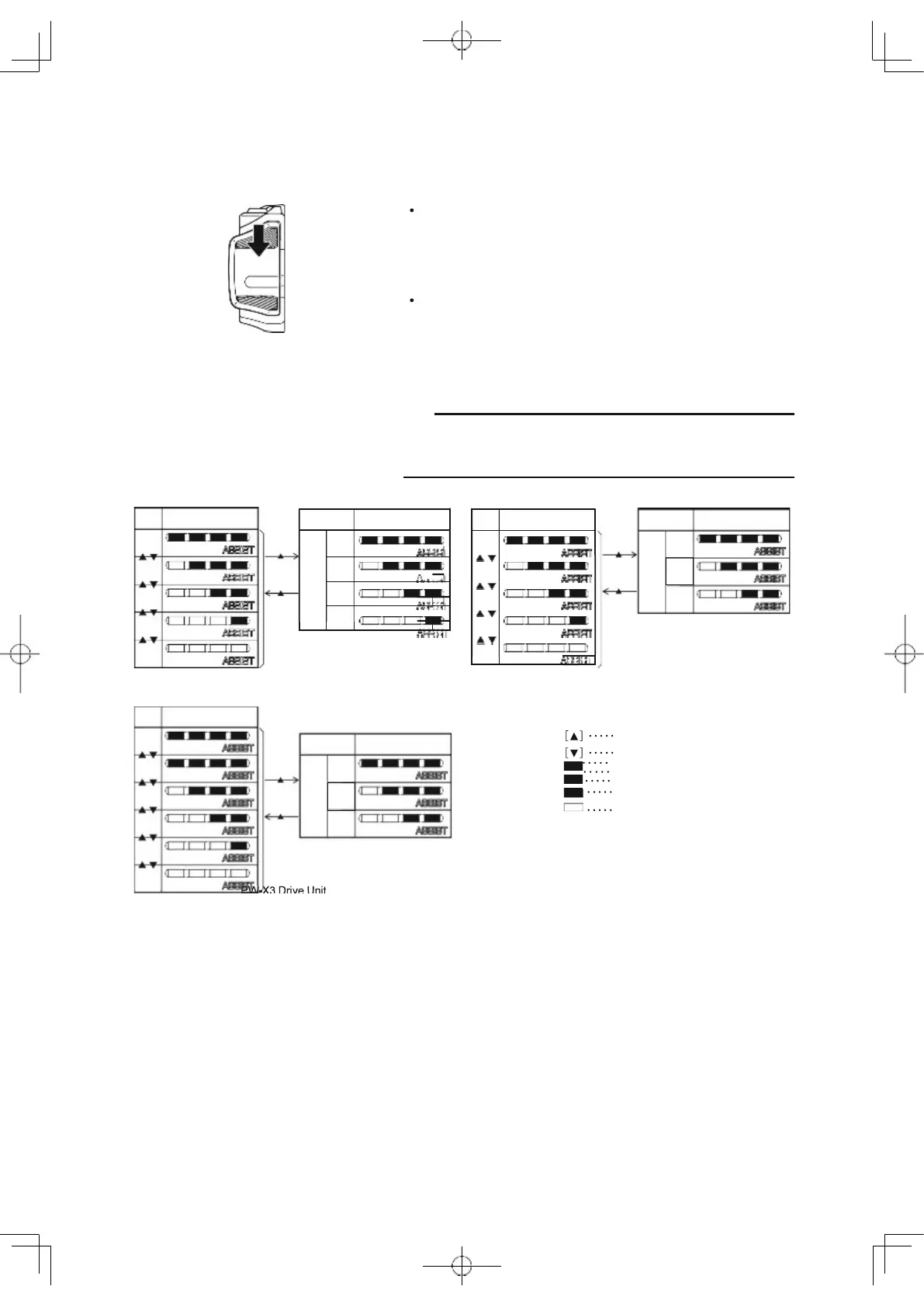
The Automatic Support Mode, which enables automatic
change to the optimal assist mode according to the riding
conditions, can also be used.
To use the Automatic Support Mode, press the assist
mode switch (up) for 1 second or longer. The rightmost
lamp of the assist mode indicator will glow in Tur-
quoise, and the mode will be changed to the Automatic
Support Mode.
To cancel the Automatic Support Mode, press the as-
sist mode switch (up) for 1 second or longer. The right-
most lamp of the Assist mode indicator will change
from Turquoise to the normal color, and the Automatic
Support Mode will be canceled.
TIP
Even if you press the assist mode switches (up) or (down)
while in Automatic Support Mode, the assist mode cannot
be changed.
PWseries CE Drive Unit
PWseries C2 Drive Unit
PWseries ST Drive Unit
PWseries S2 Drive Unit
Assist mode switch (up)
Assist mode switch (down)
Y
Yellow
G
Green
B
Blue
Turquoise
No light
PW-X3 Drive Unit
PW-XM Drive Unit
70
or
or
ECO
STD
HIGH
Auto
Assist mode indicatorFunction
Assist mode indicator
G G
G
STD
G
G
ECO
B
B
OFF
Function
Assist mode indicator
Auto
HIGH
G G
T
STD
G
T
ECO
T
T
G G G
1
or
or
G G G
or
or
ECO
STD
HIGH
Auto
Assist mode indicatorFunction
EXPW
HIGH
STD
ECO
+ECO
OFF
Assist mode indicator



 To Next Page