EasyManua.ls Logo

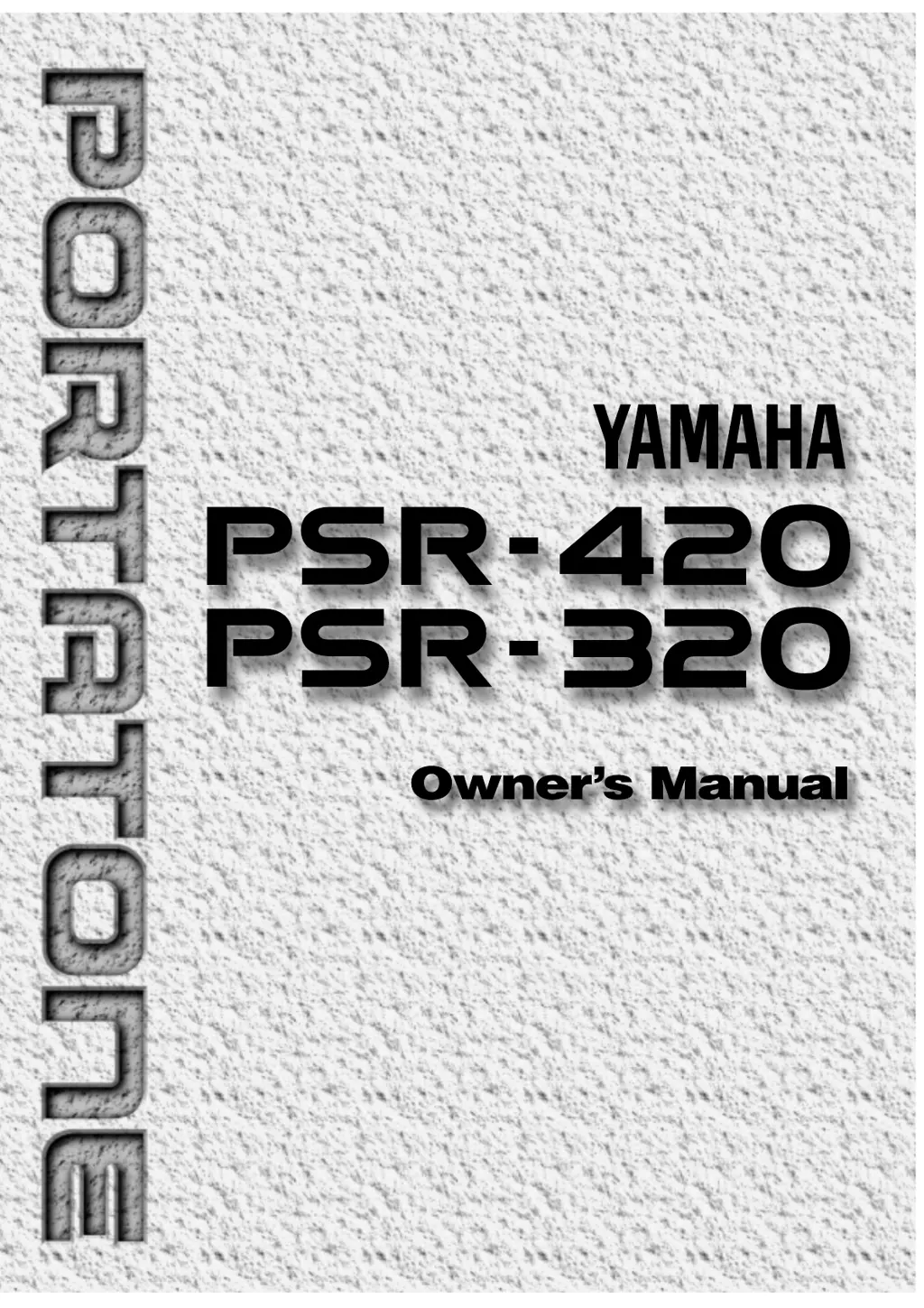
Yamaha PortaTone PSR-320 - User Manual

Yamaha PortaTone PSR-320
73 pages
Print Icon
To Next Page IconTo Next Page
Loading...

Table of Contents

Questions and Answers

  • N
    Nicole RowlandAug 17, 2025
    What to do if Yamaha PortaTone PSR-320 has reduced volume and poor sound quality?
    • K
      Kimberly KeithAug 17, 2025
      If you experience reduced volume, poor sound quality, improper song playback, or see 'Btry Low' on your Yamaha Electronic Keyboard, the batteries likely need replacing. Replace all six batteries with new ones of the same type.
  • D
    Danielle HuntAug 20, 2025
    What to do if Yamaha PortaTone PSR-320 Electronic Keyboard produces no sound when played?
    • C
      Carly NelsonAug 20, 2025
      If your Yamaha Electronic Keyboard produces no sound when played, ensure that the Local Control function is turned on.
  • L
    lauren07Aug 22, 2025
    How to fix Yamaha PortaTone PSR-320 Electronic Keyboard sustain pedal if it is reversed?
    • C
      Carol GonzalezAug 22, 2025
      If the sustain pedal operation on your Yamaha Electronic Keyboard is reversed, turn off the power and then turn it back on while the pedal is not pressed. This should restore normal operation.
  • C
    Christopher FaulknerAug 26, 2025
    What to do if Yamaha Electronic Keyboard accompaniment does not play properly?
    • A
      Alan CarpenterAug 26, 2025
      If the accompaniment on your Yamaha Electronic Keyboard isn't playing correctly, ensure that the accompaniment tracks you want to hear are not muted and that the Accomp Volume parameter is turned up to a reasonable level.
  • M
    Mrs. Casey ThomasAug 28, 2025
    Why does my Yamaha PortaTone PSR-320 make a popping sound when turned on or off?
    • A
      Austin PierceAug 28, 2025
      The 'pop' sound your Yamaha Electronic Keyboard speakers produce when the power is turned ON or OFF is normal and not a cause for alarm.
  • J
    Joyce JohnsonAug 31, 2025
    Why won't the Harmony/Dual Voice/Digital Effect function turn on my Yamaha PortaTone PSR-320?
    • Y
      ymckenzieAug 31, 2025
      The Harmony, Dual Voice, and Digital Effect functions on your Yamaha Electronic Keyboard cannot be turned on if a percussion kit voice is selected. Make sure a voice between number 01 and 141 is selected. Also, the Harmony effect cannot be turned ON when the FINGERED FULL mode is in use.
  • A
    Adam Martin PhDSep 2, 2025
    What to do if not all notes sound when playing Yamaha Electronic Keyboard?
    • C
      Cameron DaySep 3, 2025
      If not all simultaneously-played notes sound on your Yamaha Electronic Keyboard, you are probably exceeding the maximum polyphony. The keyboard can play up to 28 notes at the same time, including split, dual, auto-accompaniment, song memory, and multi pad notes. Notes exceeding this limit will not sound.
  • A
    Ashley ThomasSep 5, 2025
    What causes Yamaha PortaTone PSR-320 Electronic Keyboard auto accompaniment to not function properly?
    • A
      Adam GravesSep 5, 2025
      Auto accompaniment won’t sound right if you’re using SINGLE FINGER type fingering when the SINGLE FINGER mode is not selected. Make sure you’re playing in the Auto-Accompaniment section of the keyboard and playing chords that the keyboard can recognize.
  • J
    james67Sep 8, 2025
    What to do if the selected voice does not sound on Yamaha PortaTone PSR-320?
    • M
      Matthew NewmanSep 8, 2025
      Make sure that the Keyboard Volume, Split Voice Volume, and/or Dual Voice Volume parameters are set at an appropriate level.
  • A
    Anthony TaylorSep 12, 2025
    What to do if Yamaha PortaTone PSR-320 cartridge data cannot be selected?
    • M
      Marco WoodardSep 12, 2025
      Make sure that an appropriate Yamaha Music Cartridge is properly plugged into the cartridge slot. Also, the electrical contacts on the Music Cartridge may be affected with dust. Insert and remove the Music Cartridge several times to solve the problem. If the problem still happens, wipe and clear the electrical contacts on the Music Cartridge with a dry soft cloth.

Summary

Introduction to the Yamaha PortaTone

Important Features of the PortaTone

Highlights the key capabilities and functionalities of the Yamaha PSR-320/420 electronic keyboard, detailing its advanced technology and user-friendly design.

Taking Care of Your PortaTone

Location and Environment Precautions

Provides guidelines on protecting the keyboard from environmental damage like sunlight, heat, humidity, and dust.

Power Supply and Battery Usage

Details proper methods for using the AC power adaptor and installing batteries, including safety cautions.

Handling, Cleaning, and Electrical Safety

Offers advice on safe handling, cleaning procedures, and precautions against electrical interference.

Data Backup and Service Information

Explains data retention during power loss and advises on when to seek professional servicing.

Panel Controls Overview

Top Panel Controls

Identifies and explains the function of all buttons and controls located on the top surface of the keyboard.

Rear Panel Controls

Details the connections and controls found on the rear panel of the keyboard.

Setting Up Your Keyboard

Power Supply Options

Guides users on connecting the AC power adaptor or using batteries for keyboard operation.

Connections and Music Stand

Explains how to connect external devices via jacks and attach the music stand.

Playing the Keyboard

Selecting and Playing Voices

Covers how to select and play the keyboard's 128 pitched voices and 8 percussion kits.

Keyboard Performance Techniques

The Split Mode

Explains how to play different voices with the left and right hands by splitting the keyboard.

Keyboard Performance Features

Touch Response

Details how to enable and adjust keyboard touch sensitivity for dynamic playing.

Dual Voice

Describes how to layer two voices simultaneously across the entire keyboard.

Sound Enhancement Features

Digital Effects

Explains the four available digital effects (Ambience, Ensemble, etc.) and how to apply them.

Pitch Adjustment

Transposition

Covers how to transpose the keyboard's overall pitch up or down by semitone increments.

Using Auto Accompaniment

Accompaniment Modes and Fingering

Explains the SINGLE and FINGERED modes, including single-finger and full fingering techniques.

Auto Accompaniment Control

Accompaniment Tracks and Volume

Details control over individual accompaniment tracks (Rhythm, Bass, Chord, etc.) and their volumes.

Stopping the Accompaniment

Describes how to stop the auto accompaniment playback using the START/STOP or ENDING buttons.

Advanced Accompaniment Features

One Touch Setting

Explains how to instantly select recommended panel setups for various styles.

Harmony Effects

Covers how to add automatic harmony to keyboard playing, including selecting harmony types.

Registration Memory

Recalling and Freezing Settings

Details how to register panel settings and recall them, including the Accomp Freeze function.

Song Recording

Recording Melody Tracks

Guides users on recording melody parts, including selecting voices and setting parameters.

Song Recording and Playback

Recording Accompaniment Tracks

Explains how to record accompaniment parts with or without a melody line.

Song Playback

Playback Controls and Options

Covers starting/stopping playback, playing along, and options like specified measure playback.

Song Editing and Management

Play from a Specified Measure

Details how to start song playback from any recorded measure.

Voice and Volume Rewrite

Explains how to change recorded voice and volume data during playback.

Clearing the SONG TRACKS

Instructions for erasing all recorded data in the selected song.

The Multi Pads

Selecting and Playing Multi Pads

Guides on selecting multi pad kits and triggering the short rhythmic and melodic sequences.

Using Music Cartridges

Inserting and Handling Cartridges

Provides instructions for inserting music cartridges and essential handling precautions.

Cartridge Styles and Songs

Explains how to select cartridge accompaniment styles and play cartridge songs.

Cartridge Registration Presets

Details how to select preset registration settings stored on music cartridges.

Practice Features

Minus One Mode for Practice

Enables turning off keyboard parts for practicing specific sections of songs.

Learning Aids (PSR-420 Only)

Guide Mode and Repeat Play

Explains the Guide mode for learning songs by following lights, and Repeat Play for section practice.

Overall Functions

General Keyboard Functions

Covers basic settings like Keyboard Volume, Octave, and Pan for sound customization.

Voice and Accompaniment Settings

Details Voice Set, Accompaniment Volume, and Touch Sensitivity adjustments.

Mode-Specific Functions

Explains functions like Minus-one channels, Lamp, and Metronome.

MIDI Functions

MIDI Connections and Control

Describes MIDI connectors and basic MIDI control for connecting external devices.

MIDI Data Transmission Options

Covers Keyboard Out, Song Out, and Accompaniment Out settings for MIDI data.

MIDI Data Management

Local Control and External Clock

Explains Local Control settings and managing external MIDI clock signals.

Data Transfer (Send;Receive)

Details procedures for sending and receiving bulk MIDI data for backups.

Appendix: Data Backup and Initialization

Data Initialization

Describes how to reset all panel settings to factory defaults.

Appendix: Voice and Polyphony List

Appendix: Troubleshooting

Appendix: Percussion Kit List

Appendix: MIDI Implementation Chart

Specifications

Important Safety and Legal Information

Product Safety Warnings

Includes crucial safety warnings regarding product usage, hearing protection, and service.

Battery Handling and Disposal

Provides essential guidelines for battery installation, care, and proper disposal.

FCC Compliance Information

Details FCC regulations, compliance, and measures to resolve interference issues.

Limited Warranty Information

Consumer Responsibilities

Outlines the customer's duties for obtaining warranty service, including documentation.

Warranty Exclusions

Lists conditions and damages that are not covered by the Yamaha limited warranty.

Yamaha PortaTone PSR-320 Specifications

General IconGeneral
BrandYamaha
ModelPortaTone PSR-320
Number of Keys61
Styles/Rhythms100
DisplayLCD
MIDIYes
SpeakersYes
EffectsReverb, Chorus
Weight7.5 kg
Power SupplyAC Adaptor
ConnectionsHeadphones, MIDI In/Out, Sustain Pedal

Related product manuals