74
5
6
6a
6b
4
USING THE STEAM TRAY
09
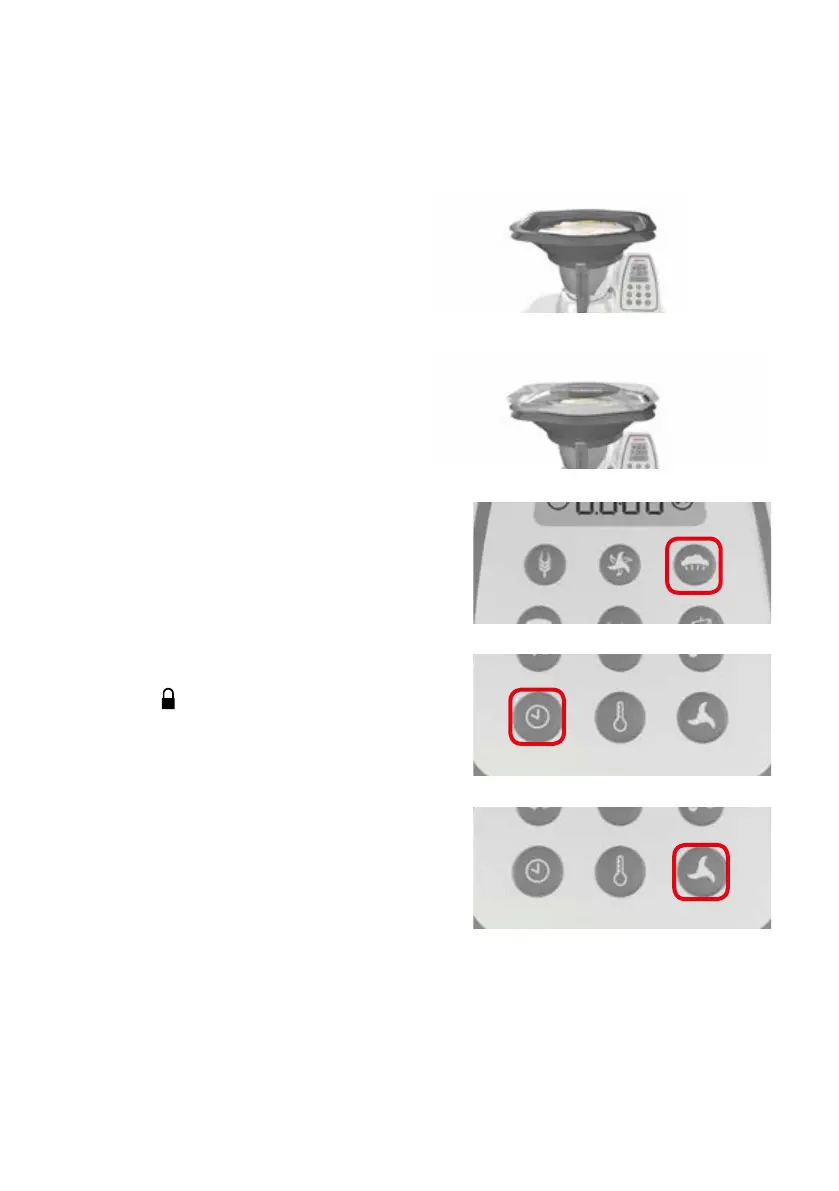
4/ To use the steam tray, position foods which need
more cooking time at the bottom and foods which
need less cooking time at the top. The food must
always be positioned in such a way that the largest
possible number of openings remains free. For best
results, make sure that foods are not too close to each
other.
5 / Cover the steam tray with the transparent lid.
Check that the steam tray lid is firmly attached.
6 / Activate the Steam function: touch the steam
button on the control panel. The temperature, time
and speed will be automatically set.
If you wish to change the pre-set time and speed:
a / Set the Steam Cooking Time: touch the Time
button and use the Dial to set the desired time.
b / Set the speed: touch the Speed button and
use the Dial button to set the desired speed
(a slow speed should be used).
After selecting the Steam function, the safety lock-
ing system of the lid is automatically activated,
the symbol
remains permanently on the
display and the Yämmi will start operating.
The pre-set time counts down until reaching the end
(00:00), emitting a sound signal and automatically
unlocking the lid.


 To Next Page
 Loading...