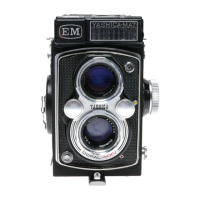
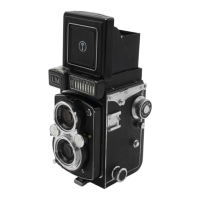
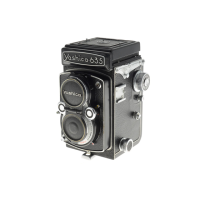
* When the camera is to be left unused, fold the focusing hood.
This will switch off the meter and prevent draining of battery
power.
CORRECT EXPOSURE SETTING (2)
(page 15 & 17)
4 - Turn the Aperture Control Dial and coincide the yellow follower
needle (coupled to the aperture mechanism) with the red meter pointer
(coupled to the shutter mechanism), both visible in the Exposure
Indicator Window.
* The correct combination of the shutter speed and lens aperture can
be seen in the Shutter Speed and Aperture Indicator Windows.


 To Next Page
 Loading...