YA201 Quick Start Gulde
2. Using Your Scan Tool
2.1 Locating Data Link Connector
• Choose a location (under driver side dash,
or under steering wheel) and use that
description in both places
• If unsure about location of DLC, check
vehicle manual or reputable service center
about location
• For more information, go to http:\/www.vawoa.com
2.2 Connect the Tool
o
2
4
REV A
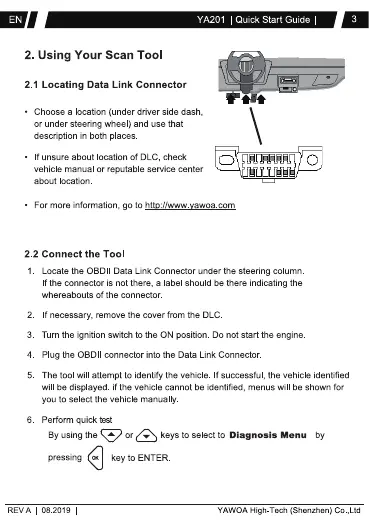
Locate the OBDII Data Link Connector under the steering column
If the connector is not there, a label shoud be there indicating the
whereabouts of the connector
If necessary, remove the cover from the DLC
Tum the ignition switch to the ON position. Do not start the engine
Plug the OBDII connector into the Data Link Connector
The tool will attempt to identify the vehicle If successful, the vehicle identified
will be displayed if the vehicle cannot be identified, menus will be shown for
you to select the vehicle manually
Perform quick
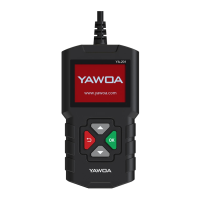
By using the or keys to select to Diagnosis Menu by
pressing
08 2019
key to ENTER
YAWOA High-Tech (Shenzhen) co ,Ltd


 To Next Page
 Loading...