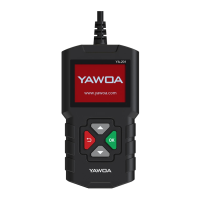
YA201 Quick Start Guide
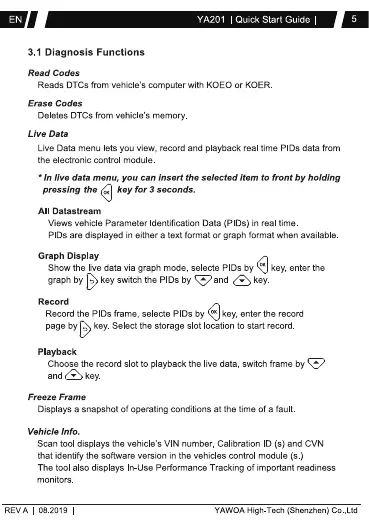
3.1 Diagnosis Functions
Read Codes
Reads OTCs from vehicle's computer with KOEO or KOER
Erase Codes
Deletes DTCs from vehicle's memory
Live Data
Live Data menu lets you view, record and playback real time P IDs data from
the electronic control module
• In live data menu, you can insert the selected item to front by holding
pressing the key for 3 seconds.
All Datastream
Views vehicle Parameter Identification Data (PIDs) in real time.
PIDs are displayed in either a text format or graph format when available.
Graph Display
Show the live data via graph mode, selecte PDs by key, enter the
graphby keyswitchthePIDsby @and key
Rec ord
Record the PIDs frame, selecte PIDs by key, enter the record
page by key Select the storage slot location to start record
Playback
Choose the record slot to playback the live data, switch frame
and key
Freeze Frame
Displays a snapshot of operating conditions at the time of a fault.
Vehicle Info.
Scan tool displays the vehicle's VIN number. Calibration 10 (s) and CVN
that identify the software version in the vehicles control module (s.)
The tcx)l also displays In-Use Performance Tracking of important readiness
REV A
monitors.
08 201g
YAVIOA High-Tech (Shenzhen)


 To Next Page
 Loading...