| Headset Usage | 17
Reconnect Headset to Mobile Phone/PC Manually
Slide the switch to the "Bluetooth" position, and the headset will prompt the remaining battery level and
reconnect to the recently connected device.
Related information
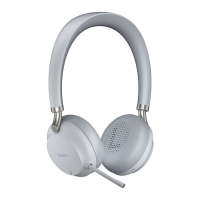
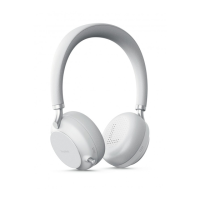
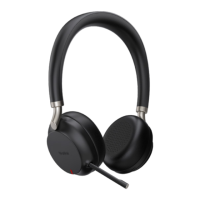
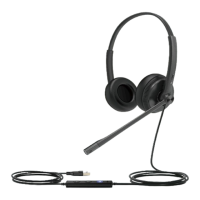
Headset Overview
Headset Usage
Function Action
One call
Answer call Press Call Control button.
End call Press Call Control button.
Reject call Double-press Call Control button.
Redial call Double-press Call Control button.
Note: It is not applicable to Teams
software temporarily because of the
Microsoft Teams issue.
Mute call Press Mute button.
Hold call Press and hold Call Control button for 2 seconds.
Note: It is applicable for UC platform.
Multiple calls
Note: It is not applicable for Teams software temporarily because of the Microsoft Team issue.
Reject the incoming call and continue the active call Double-press Call Control button.
Accept the incoming call and put an active call on
hold
Press and hold Call Control button for 2 seconds.
Accept the incoming call and end the active call Press Call Control button.
Volume Control Action


 To Next Page
 Loading...