| Yealink USB Connect | 18
Function Action
Note: The volume button of the headset can be rotated 360 degrees. Wear it on the ear and
rotate it forward to volume up, and rotate backward to volume down.
Volume up/down
• Right ear
• Left ear
Voice Assistant Action
In the idle status, activate the connected device's
voice assistant (Siri/Cortana/Google Assistant)
Note: Cortana requires Microsoft support.
Press and hold Call Control button for 2 seconds.
Function Action
Restore factory settings
Press and hold the Call control and Mute button
for 6 seconds. You can hear the voice prompt
"Power on" and the headset's LED indicator
flashes blue for 2s.
Yealink USB Connect
Yealink USB Connect is a computer software designed to manage Yealink USB devices.
Before you begin
• Download via https://www.yealink.com/en/product-detail/usb-connect-management.
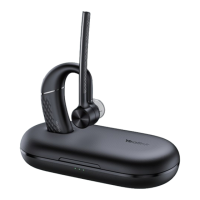
• Connect the headset to the PC via a BT51 dongle.


 To Next Page
 Loading...