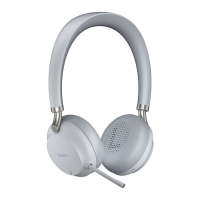
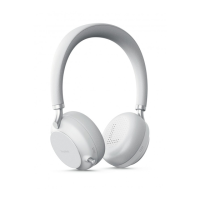
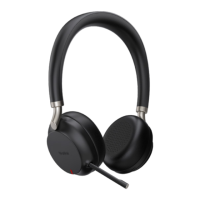
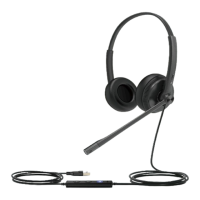
| Yealink USB Connect | 21
Procedure
1. Do one of the following:
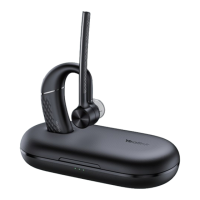
• Connect the headset to the PC via a BT51 dongle (only for BH71 Pro).
• Connect the charging case and headset to the PC via a USB cable (only for BH71 Pro).
Note: You need to power on the headset and stand it on the charging case when you connect
the charging case and headset to the PC via a USB cable.
2. Click Update device to select Update now or Update manually.
Basic Settings
You can change the basic settings of headset via the Yealink USB Connect.
Click Device settings > Basic Settings.
General
Device Name Set the name of the Bluetooth device.
Sound


 To Next Page
 Loading...