| Charge Headset/Charging Case | 7
Charge Headset/Charging Case
• Check Headset Battery Level
• Charge Headset
• Charge Charging Case
Check Headset Battery Level
• Check on Headset (BH71/BH71 Pro)
• Check on Mobile Phone (BH71/BH71 Pro)
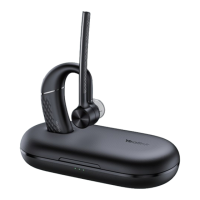
• Check on Charging Case (BH71 Pro)
• Check on Yealink USB Connect (BH71 Pro)
Check on Headset (BH71/BH71 Pro)
Listen to the voice prompt when you power on your headset.
Related information
Power on Headset
Check on Mobile Phone (BH71/BH71 Pro)
• Pair the headset with your mobile phone's Bluetooth and check the headset battery level on the phone's
taskbar.


 To Next Page
 Loading...