| Connecting to PC/Yealink IP Phone | 5
Connecting to PC/Yealink IP Phone
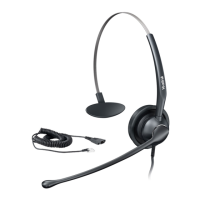
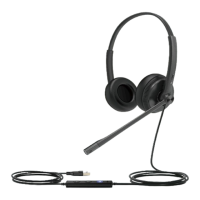
Connect the headset to a USB port on the PC/Yealink IP phone.
Headset Wear
• Left or Right Wearing Style
• Adjusting the Headband
• Positioning the Microphone
• Storing the Microphone
Left or Right Wearing Style
You can wear the headset on the left or right by flipping the microphone to the other side (320° limit).
Adjusting the Headband
Adjust the headband to find the most comfortable fit.


 To Next Page
 Loading...