- 2 -
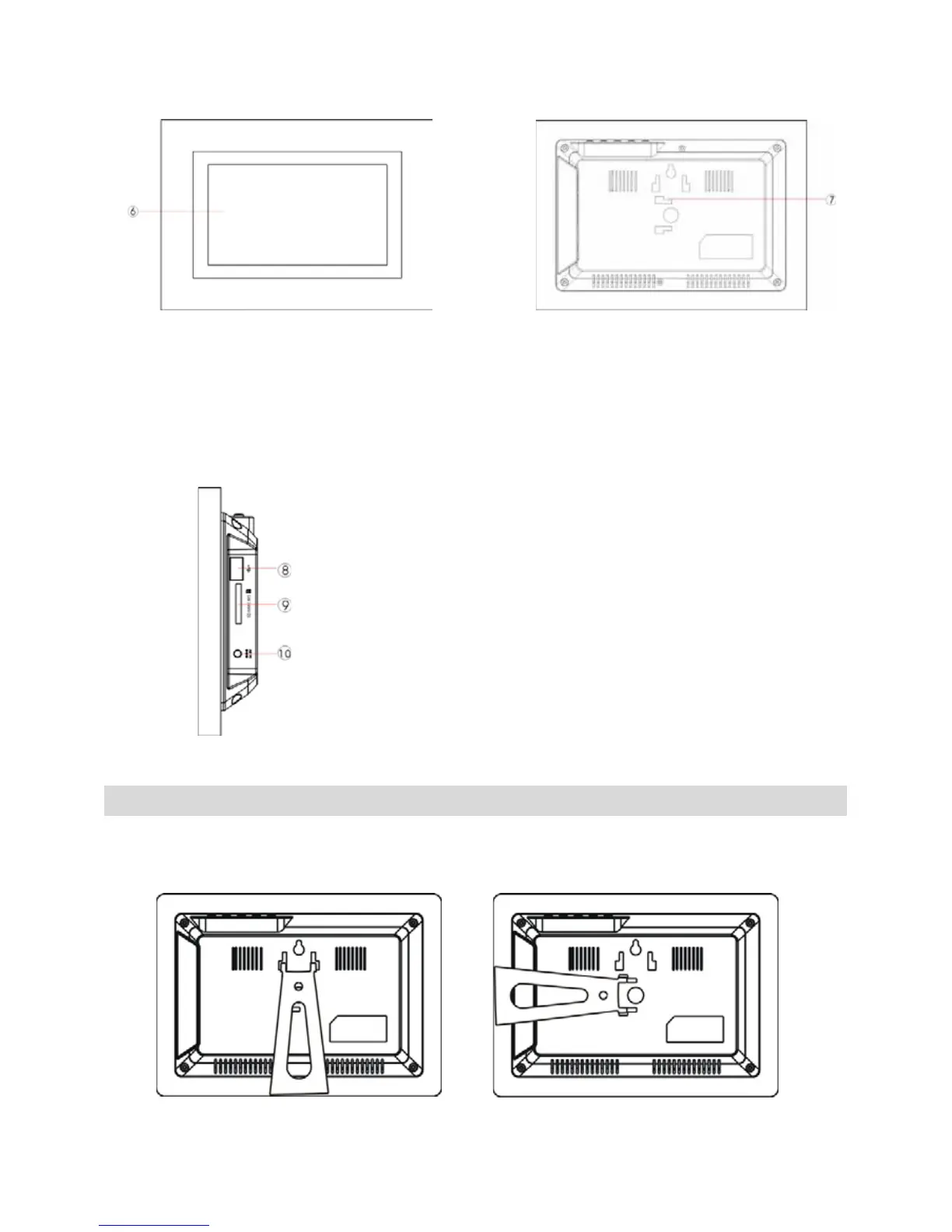
B. Front View C. Rear View
D. Bottom View
Using Your Digital Picture Frame
Step 1: Mount the bracket for tabletop display. Insert the contact points of the
bracket into the holes on the back, and push it forward until it is fixed.
(for horizontal view) (for vertical view )
6. LCD Screen
8. USB Port
Insert the USB flash drive into this port
9. SD/MS /MMC Card Slot
Insert the SD/MS/MMC card into this port.
10. DC 5V IN
Connect to the supplied power adapter.
7. Bracket Holder



 To Next Page