Adjusting the input level on a Windows computer:
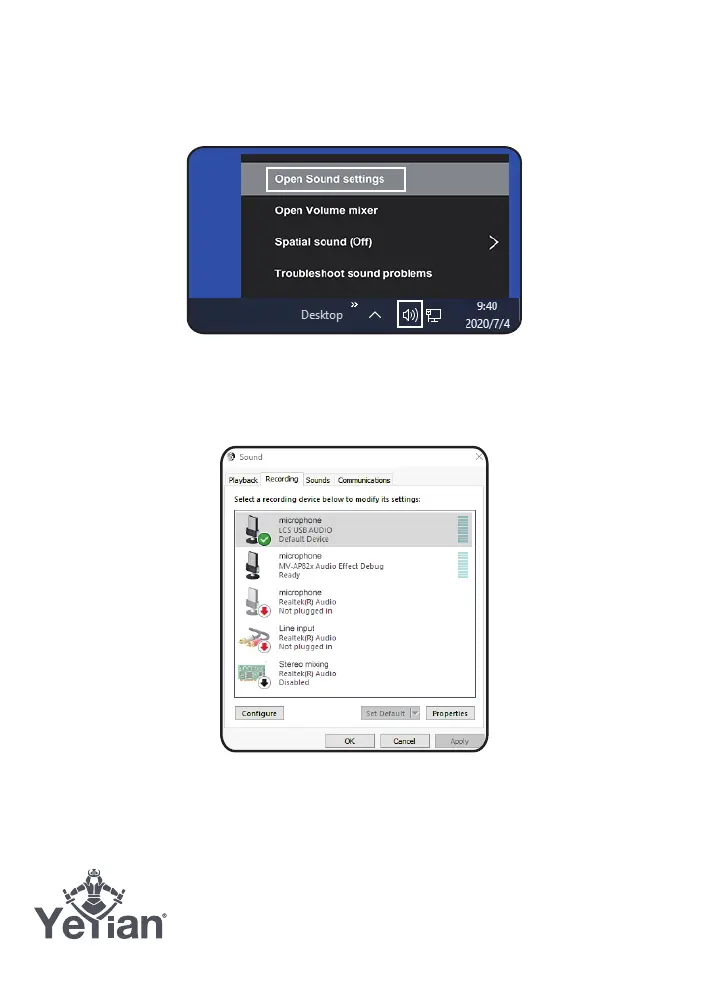
1. Choose open sound settings. (Or open the start menu and click on “Control
Panel”, then, open the “Sound” preferences)
Diagram 8-1 Accessing Windows Control Panel
2. Open the “Recording” tab and double click on “USB LCS Audio” form the list of
devices.
Diagram 8-2 Selecting the microphone input device

 To Next Page
 Loading...