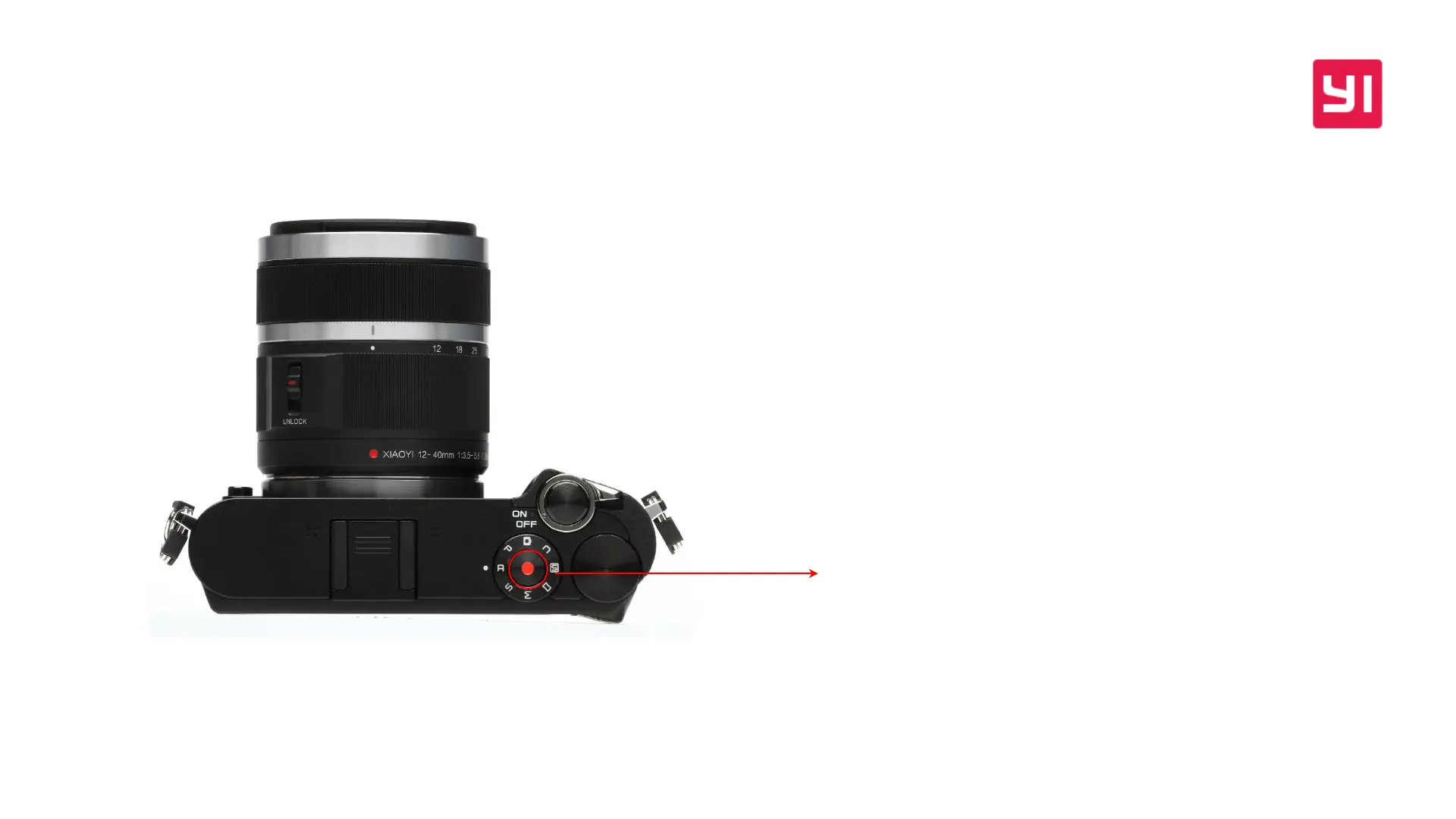
进入视频Live view后,短按REC键可以启动视频录制,再次短按可结束
视频录制。若选择的是S-AF或C-AF,视频录制期间半按快门可执行AF,
完全按下快门将停止视频录制并返回静态照片Live View;
任何模式下,直接短按REC键,可以启动视频录制,但无法进入视频
MENU(自动/C/场景/全景 模式),再次短按REC键可停止视频录制
After entering video Live view, short press the REC button to video
recording, press it again to end it. In S-AF or C-AF mode, press the shutter
button halfway during video recording to do AF, press the shutter button
completely to stop the video recording and return to photo Live View;
In all modes, short press the REC button to start the video recording, and
press the REC button again to stop it. However, you can not enter video
MENU page (Auto / C / scene / panorama mode).
如何开始/结束视频录制
How to start / end video recording


 To Next Page