5
Pick a sound
1.
2.
1.
2.
1.
2.
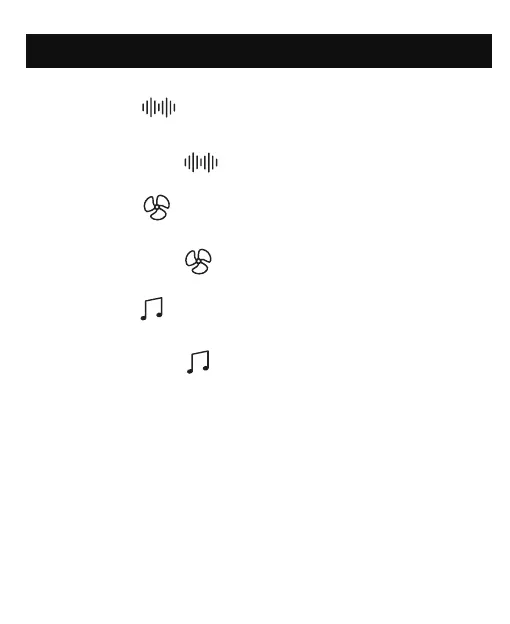
Press the “ ” button to switch among all of 5 white
noises sounds in sequence.
Long press the “ ” button to turn off white noise.
Press the “ ” button to switch among all of 5 fan
sounds in sequence.
Long press the “ ” button to turn off fan sound.
Press the “ ” button to switch among all of 10
nature sounds in sequence.
Long press the “ ” button to turn off nature sound.



 To Next Page