-4-
Weighing Operation:
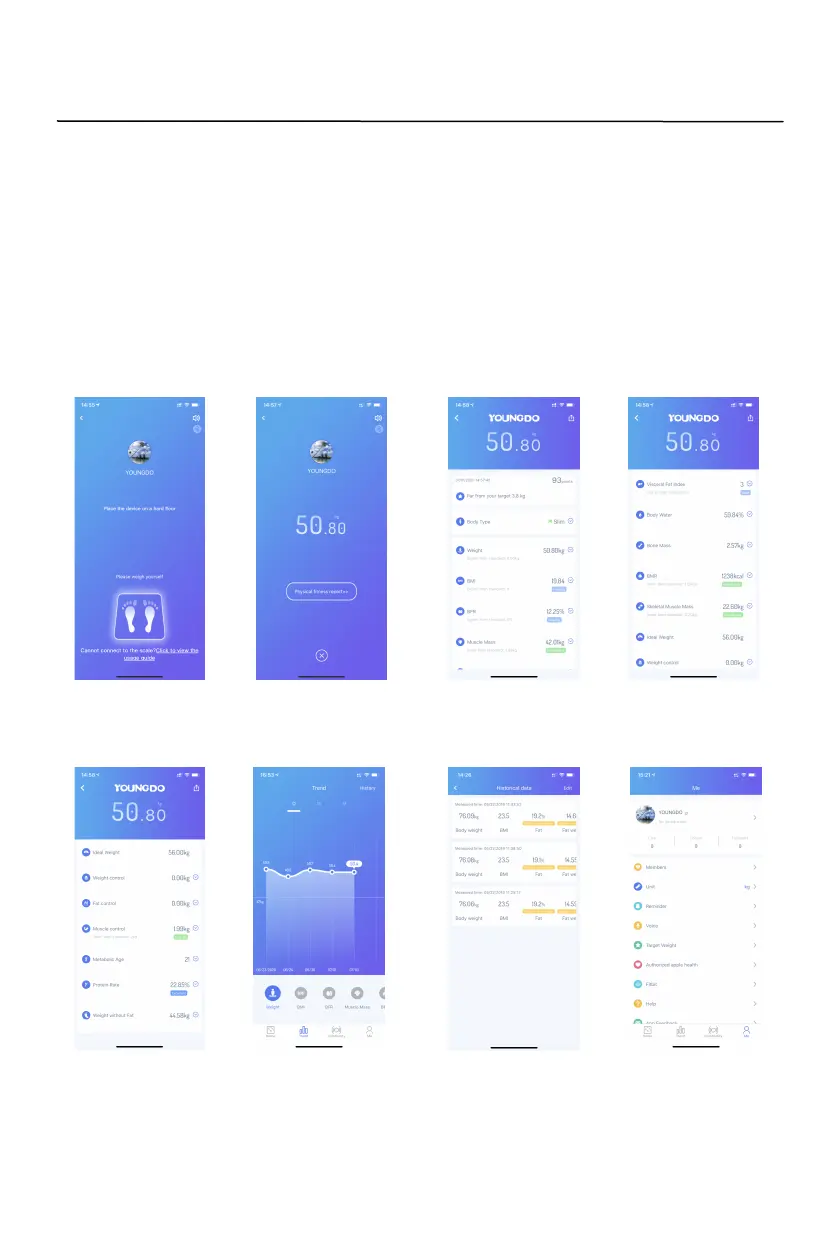
When register is finished and you are ready to weigh, press “start weighing” to weigh(see picture
11), then step on scale with barefoot, the weight will shown on the App after data flashes 3 times
and "0" move from left to right (see picture 12), press “Physical fitness report”, you will find more
details for your body (Picture 13/14/15), also you can click "Trend" in the middle of bottom
(picture 18) to find trend diagram of eight body data by day/week/month (picture 16) and historical
dat
a
(picture 17) .
3.
EN
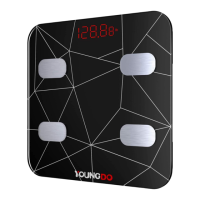
Smart body fat scale TGF-952-U
Instruction Manual
11 12 13 14
15 16 17 18


 To Next Page