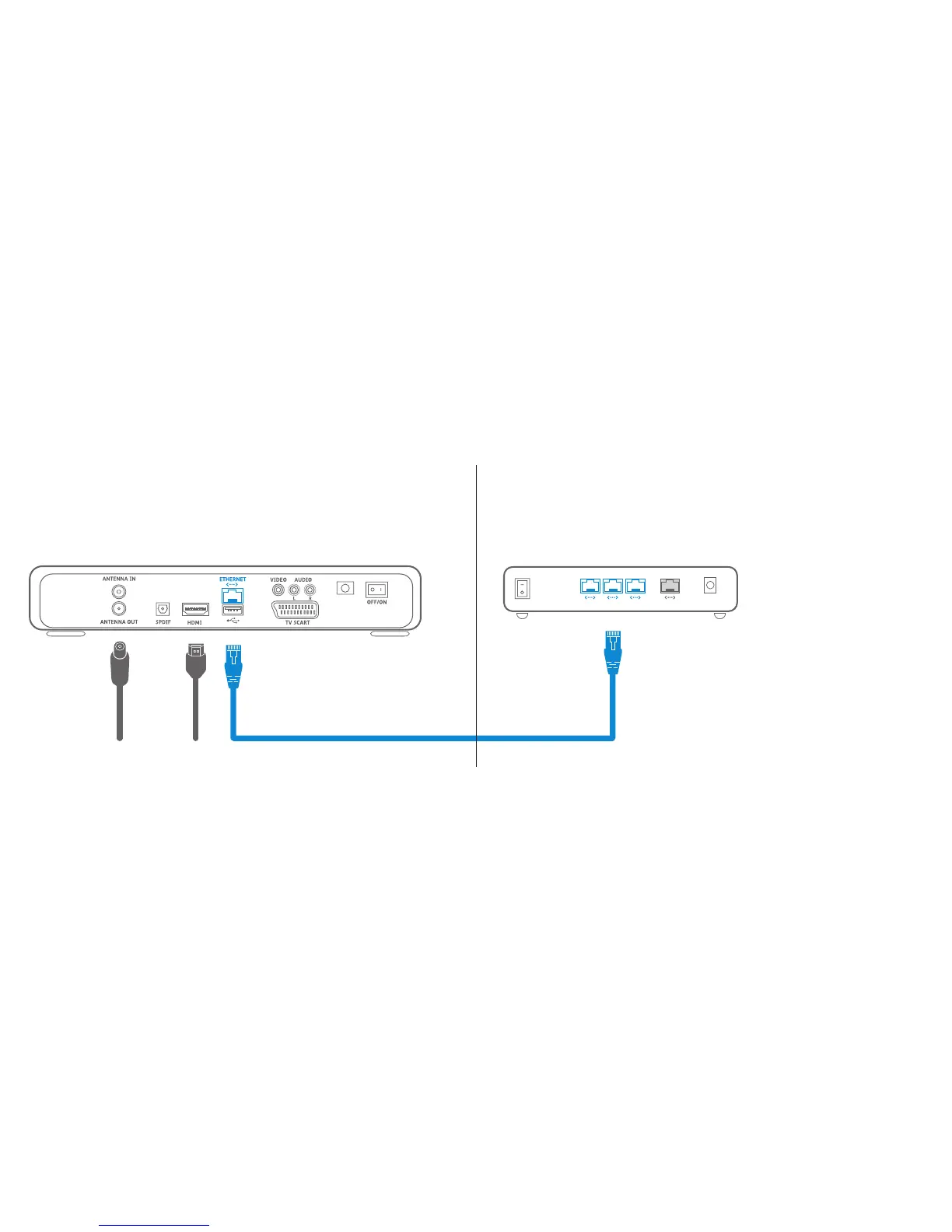
Ethernet cable
Modem or internet router
Connect the ethernet cable to an available
connection on your broadband router
Step three
Option one - connect to the router with the ethernet cable
OFF
ON
POWER
LANLANLAN
Please note: if you’re router is more than 2 metres away
from your box you may want to connect using a longer
ethernet cable. If your router is in a different room you
may want to connect using powerline adapters - please
turn over for details on how to do this
10 11



 To Next Page