7
3 Viewing and setting the parameters:
The controller will default entry “battery voltage” interface after correct power-on. This is the main
interface. Use the button could in turn visit the following parameters interface. If the parameters in that
interface could be set, long press the button (>5seconds,numbers start flashing)to enter the parameter
setting interface; calling off the parameter interface after long press the button again. (The numbers stop
flashing)
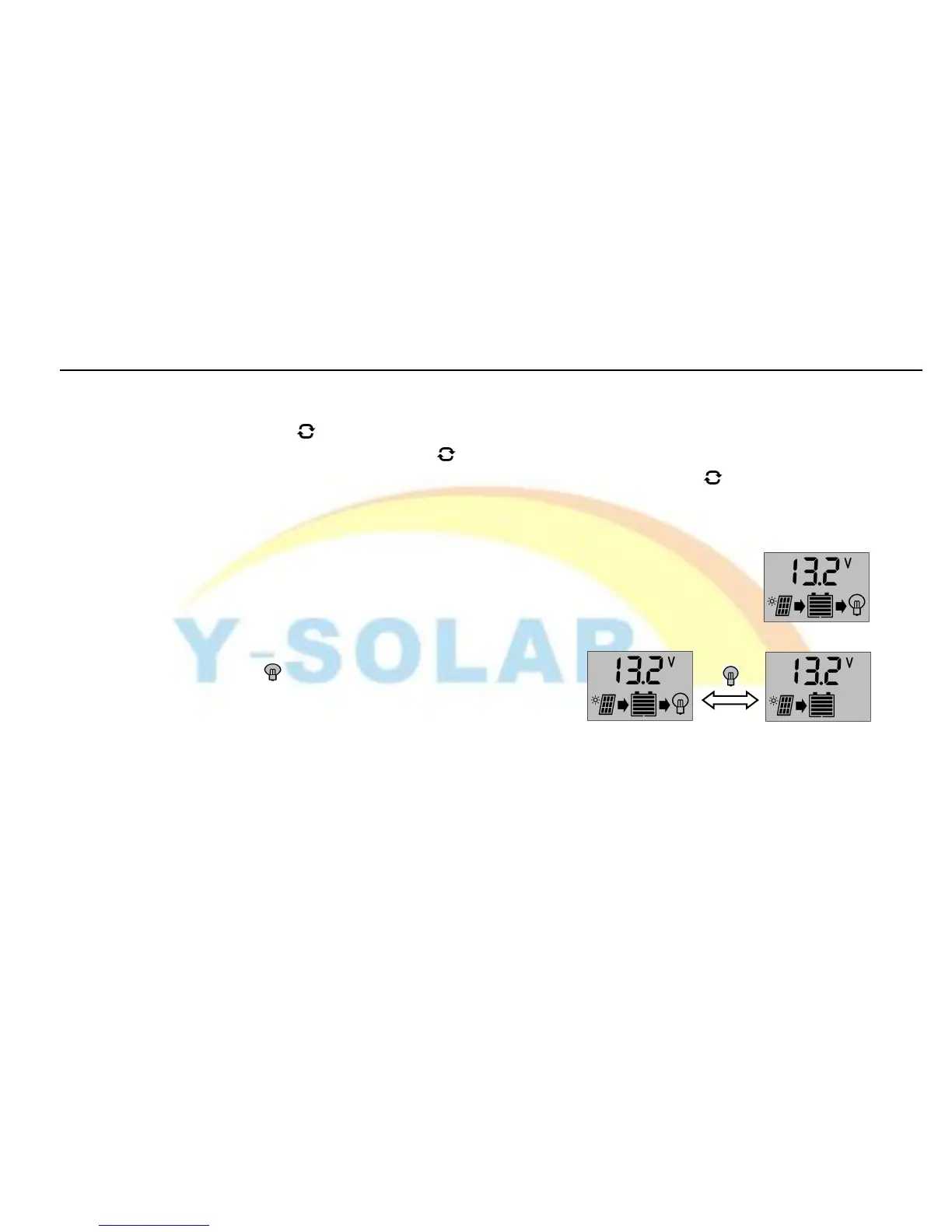
This interface shows the overall unit state (pictured at right)
It is the default interface after correct power-on, showing charging and
discharging state, 5 bars battery power indication and the voltage of the battery.
3.2 Opening and shutting off the load
You can use the button on the faceplate to open or shut
off the load in the default interface.
Note:There is no such function for this button in other interface.
3.3 Viewing and setting the floating voltage.
As pictured at right, the floating charge voltage is showed. When the battery


 To Next Page