Driver download and installation
Download URL: www.yunzii.com
System:Windows
Download method:
1. Open the official website of yunzii, click on the driver, and find the driver corresponding to the model.
2. Unzip the downloaded driver package and click the exe file to install.
3. After the installation is complete, use the wired mode to connect to the computer, and the driver will
automatically recognize the keyboard.
4. After the connection is completed, start using the driver.
5.Any question, contact us : support@yunzii.com
タイプ:
サイズ:
ホットスワップ:
システム:
接続 :
YZ-21ワイヤーバージョン
≈88mm×133.5mm×51mm
フルサイズホットスワップ
Windows/Mac/Linux
Type-C 5V≤500mAh
重さ:
配列:
キーキャップ:
ライト:
250g±20g
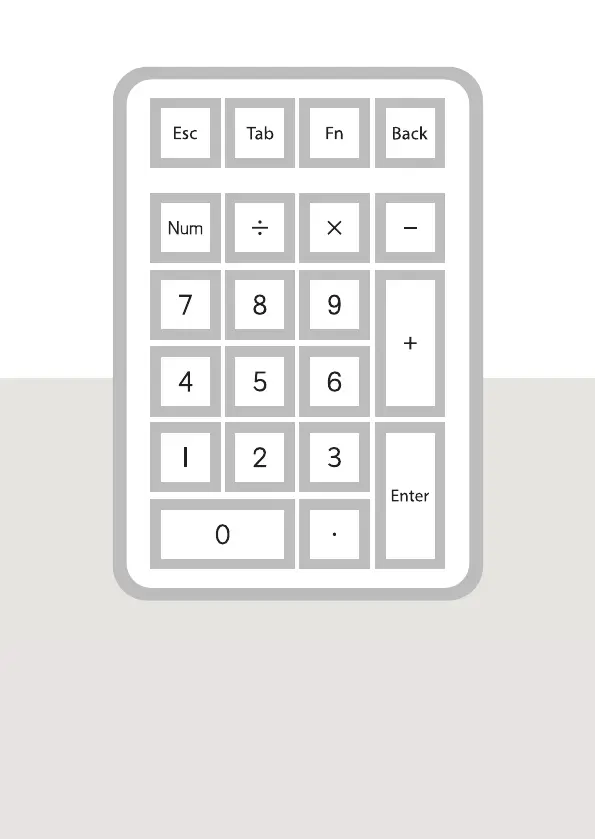
21キー
PBTキーキャップ
RGB



 To Next Page