XP8900
50 s I/O Configurations
XP8900 Series Pin Assignments
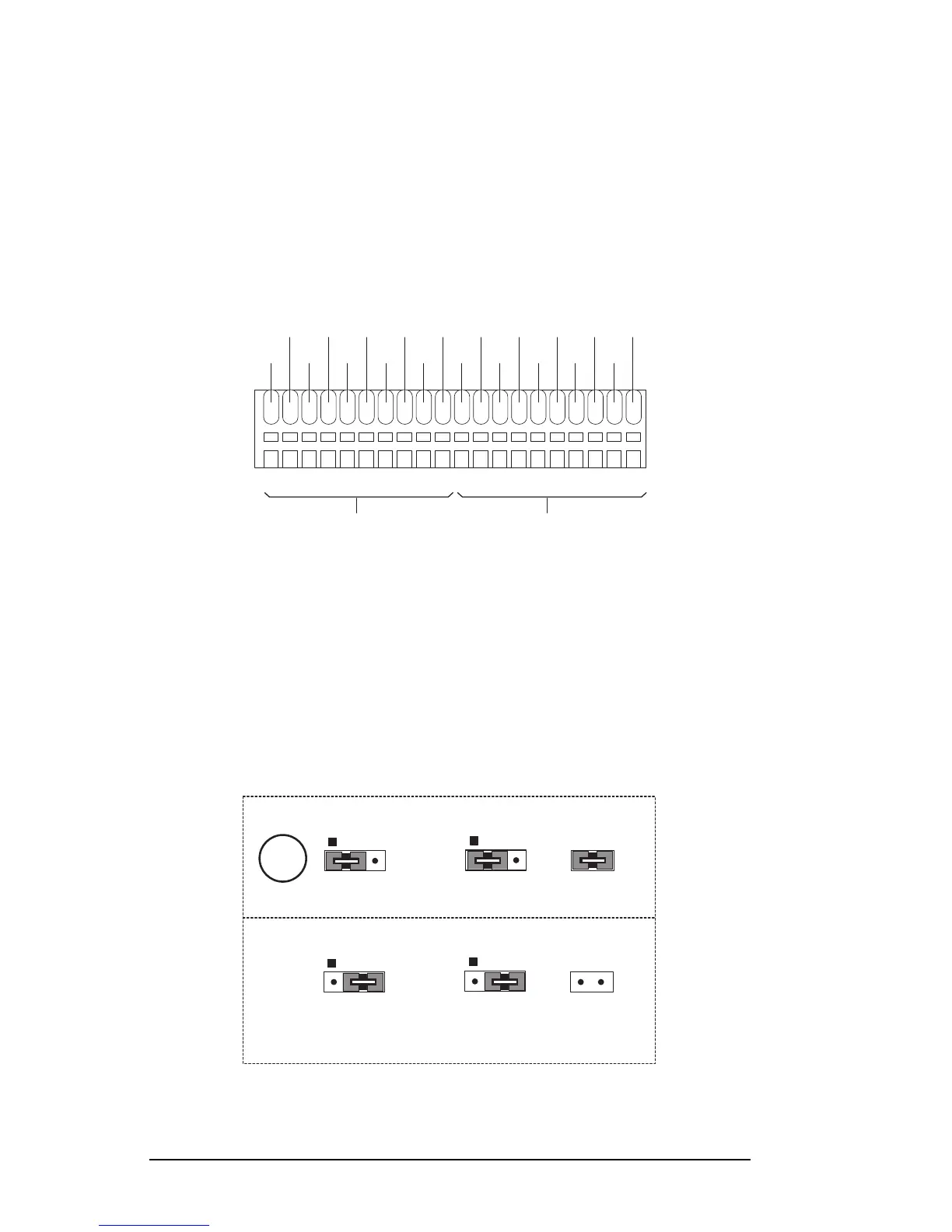
The XP8900 has eight channels of bipolar voltage outputs, each with its
own individual ground, and terminals for user-supplied positive and
negative voltage rails, also with their own individual grounds. These are
all located on Wago connectors J1 and J2, as shown in Figure 7-1.
The pin assignments for the XP8910 are similar, except there are only four
output channels. There are no outputs on pin 9 of J1, and there are no
outputs on pins 1, 3, and 5 of J2.
Figure 7-1. XP8900 Wago Connectors J1 and J2
No special configurations are needed for the D/A converter outputs, which
are controlled by the software drivers.
An external ±12 V DC may be connected to the XP8900 Series boards to
reduce analog noise or to increase the current drive. Figure 7-2 provides
the jumper settings for headers H1, H2, and H3 to accommodate the
external power. The external ±12 V supply is connected to the XP8900
Series board via pins 7 and 9 on Wago connector J2.
Figure 7-2. XP8900 Series ±12 V Supply Jumper Settings
FD
H1
H2
+12 V from
PLCBus
-12 V from
PLCBus
H3
H1
H2
+12 V from
external
source
-12 V from
external
source
H3
J1 J2
OUT0
GND
OUT1
GND
OUT2 OUT3
GND
OUT4
GND
OUT5 OUT6 OUT7
GND GND
GND
+12IN -12IN
GND
GND
GND
1
2
3
45
6
7
8
1
2
3
45
6
7
8
10
9
10
9



 To Next Page