12
Change the Web Interface into your preferred language
Before accessing the Setting page to change the language of the web interface,
you must download the language pack.
1. Go to http://www.zavio.com/downloads.php and download the language pack
corresponding to your IP camera model.
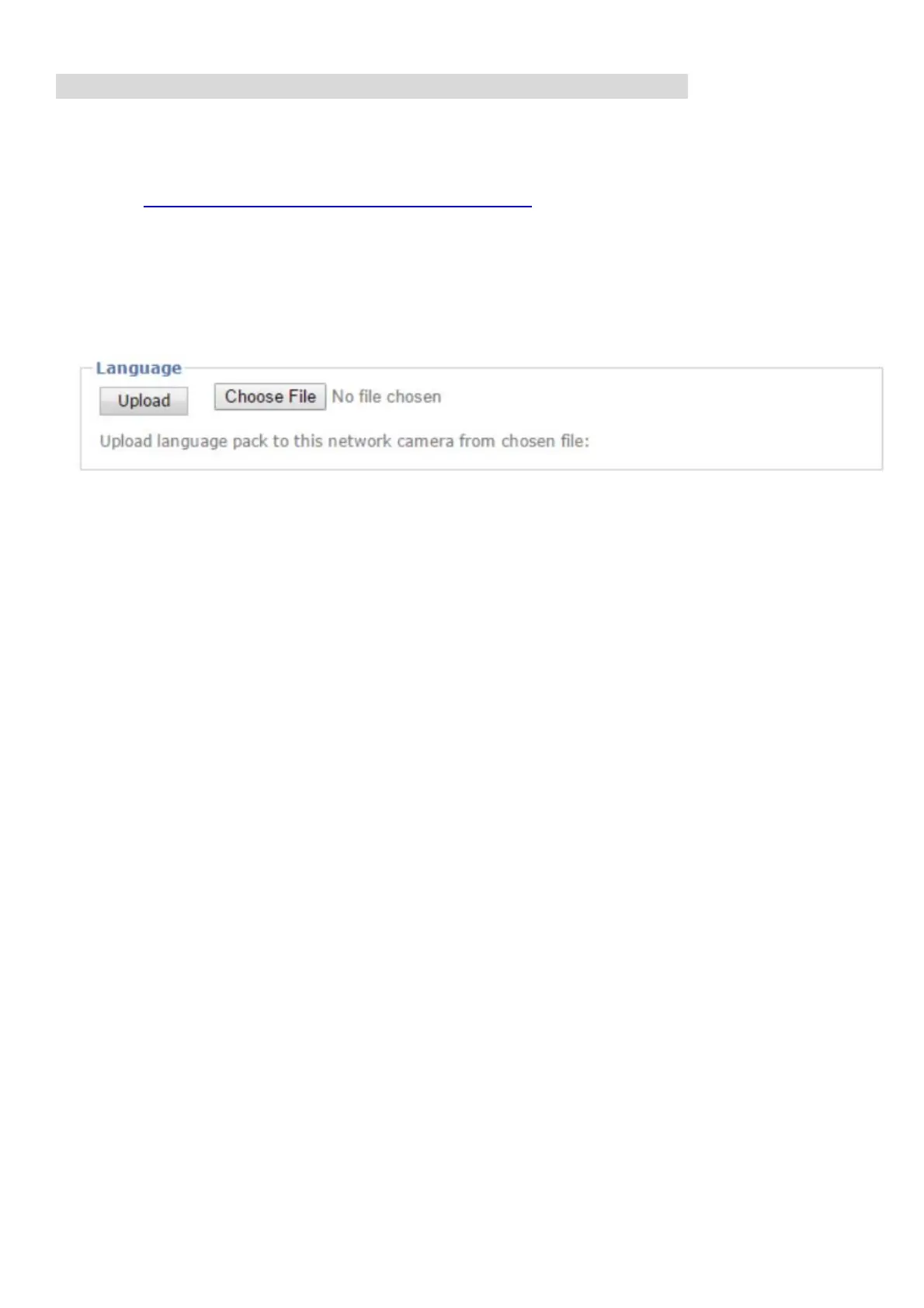
2. Go to the IP camera setting page and upload the preferred language from the
language pack downloaded from step 1.
Setting > System > Maintenance > Language > Upload
3. Once the upload is complete, the browser will automatically change the
language.


 To Next Page
 Loading...