Connect with Zega App
4. Pair to your phone
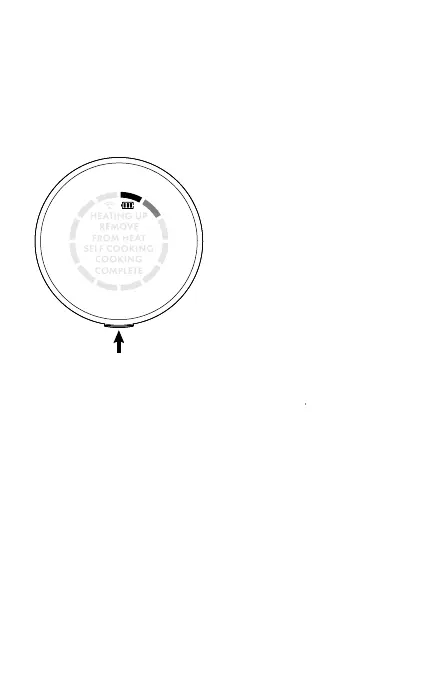
3. Turn on the SmartControl knob
Ensure that your phone is Bluetooth enabled.
In the Zega App, go to Settings > Manage Devices and
press + to add a new device.
The on-screen instructions will guide you through the
process. Once paired, the SmartControl knob will beep
and the display will pulsate the dials indicating that you
can now use the device.
Press and hold the side
button for 3 seconds to
turn dial on.
The dials on the knob
display will slowly
revolve indicating that it
is ready to pair.



 To Next Page