The Bluetooth® wordmark and logotype are the property of Bluetooth® SIG,
Inc., and all use of them is subject to licensing agreements.
Bluetooth® standard here means that the product works with units that support
a Bluetooth® headset and/or handsfree and/or A2DP prole.
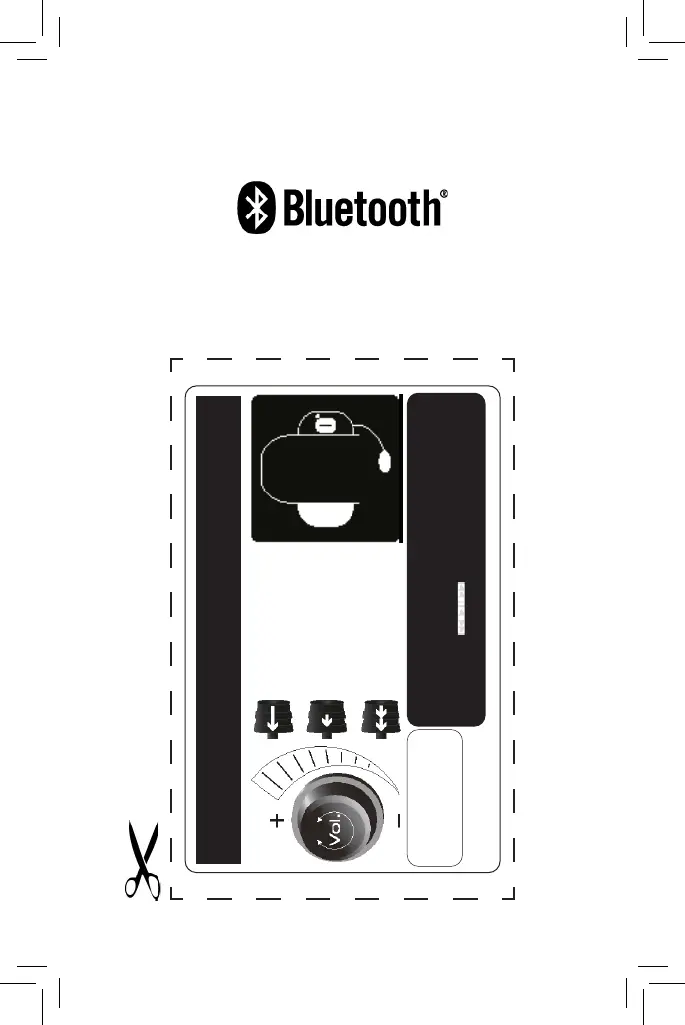
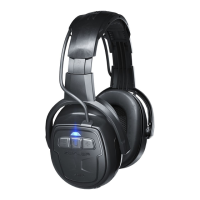
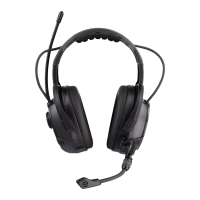
Zekler BT BLUETOOTH® QUICK-GUIDE
Long press
Bluetooth® pairing,
Bluetooth® ON/OFF,
Reject call, Voice dial
Short press
Answer/End call
2 short presses
Re-dial last dialed number
Volume contro
l
Turn knob up/down
to adjust Bluetooth®
volume.
Music streaming
• Start Bluetooth® on the headset and on your phone.
• Start the music player on your phone.
• All functions are controlled on your phone.
• Your phone controls the master volume.
www.zekler.com


 To Next Page