11
Setting the Bright / Dim / Auto-dimming
Modes
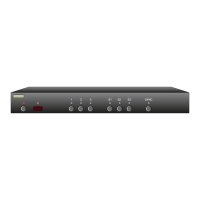
Setting the Display intensity modes of the HDS4
The front panel display of the HDS4 can be set to Bright, Dim or an Auto-dimming mode where the
display brightens for 4 seconds after any function is selected and then autodims.
Setting the mode is simply a matter of toggling through the three modes:
• Bright Mode. When pressing the SETDIMMODE key to toggle to this state, the display will turn
bright and remain that way.
• Dim Mode. When pressing the SETDIMMODE key to toggle to the Dim mode, the display will go
dim and remain that way.
• Auto-dimming Mode. When pressing the SETDIMMODE key to toggle to the Auto-dimming
mode, the display will turn bright, then flash to dim, then flash back to bright, indicating the
Auto-dimming mode has been selected. After 4 seconds of no activity, the display will smoothly
dim to the dim setting.



 To Next Page