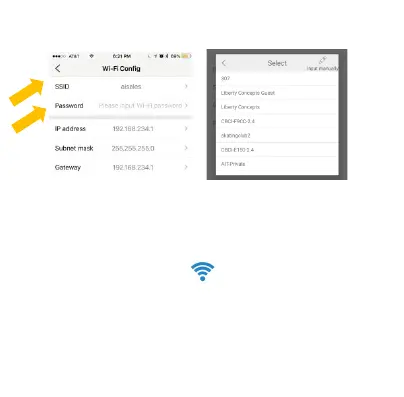
Click on SSID to pick your Local WiFi from the list then
enter you WiFi password.
If you don’t know this information, please check with your
internet service provider.
Open your smartphone setting again, search and re-
connect to your local Wi-Fi wireless. Wait for the WiFi
Symbol to turn blue again:
Restart the app and you should now have remote access
and video stream setup.



 To Next Page