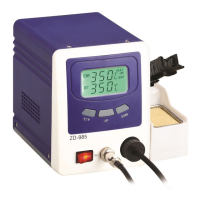
on the station and turn clockwise to tighten the plug nut. Make sure that the power supply
corresponds to the specifications on the type plate and the power switch is on the “OFF”
position. Connect the control unit to the power supply and switch on the power. Then a
self-test is carried out in which all display elements are switched on briefly. The electronic
system then switches on automatically to the set temperature and displays this value.
3.2 The display and temperature setting
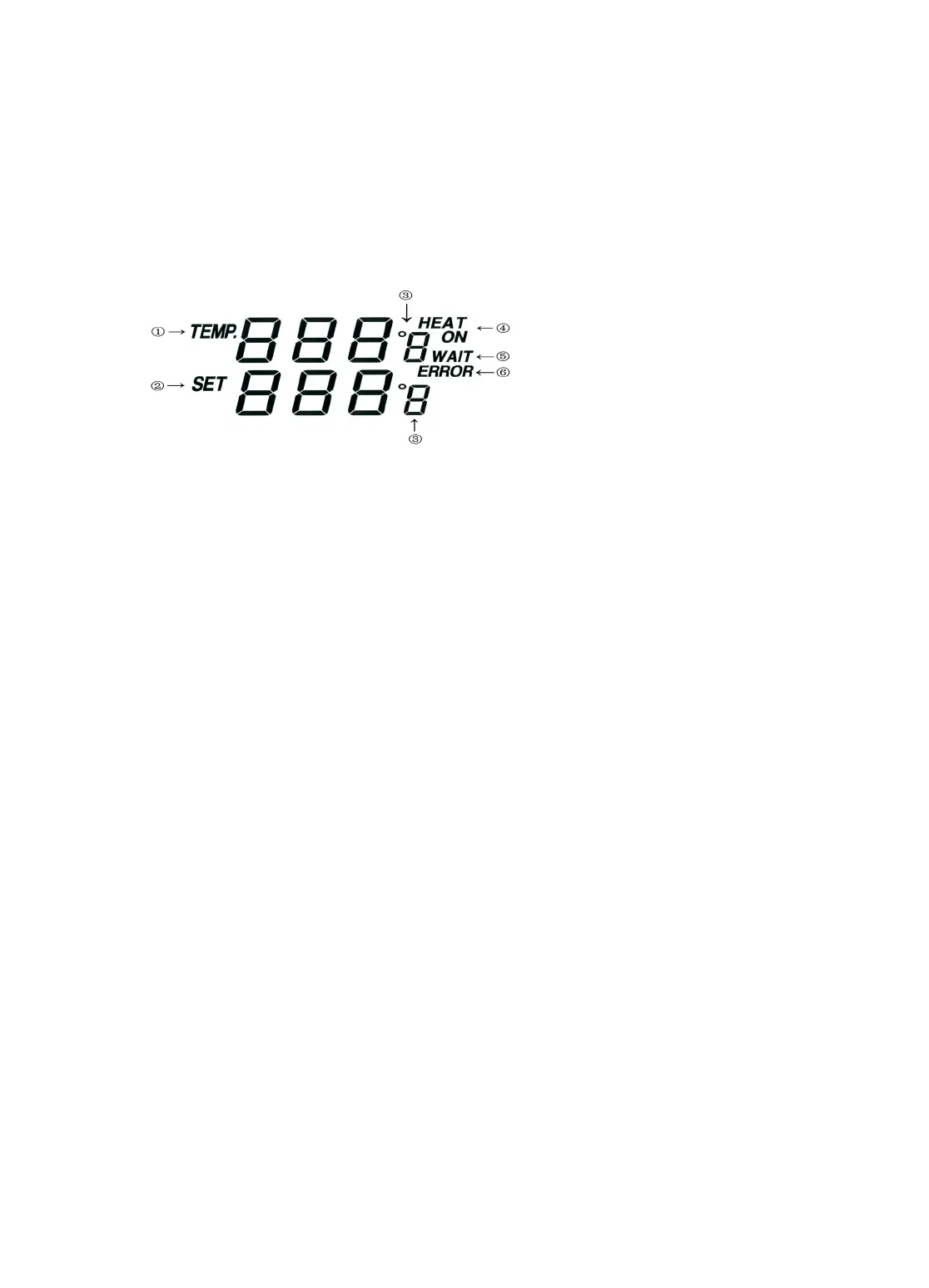
The digital display:
① shows the actual temperature of the desoldering tip .
②shows the setting temperature: Pressing the “UP” or “DOWN” button can switch the
digital display to the set point display. The set-point can be changed for ±1℃ by tapping the
“UP” or “DOWN” button. Pressing the button will change the set-point quickly. The digital
display will return automatically to the actual value and the iron will reach to the setting
temperature quickly.
③℃/℉ display: Switching the temperature display from ℃ to ℉ by pressing the
“℃/℉”button and then the electronic system will display the actual temperature① and
setting temperature② in ℉, and vice versa.
④When the actual temperature on the desoldering tip is less than the set-point, “HEAT
ON” will display and make the desoldering tip heating up.
⑤When the absolute offset is more than ±10℃ between the actual temperature and the
set-point on the soldering tip or the nozzle, “WAIT” will display. It means that the
temperature electronic control system is not in the stable situation, we should wait a moment
to let the “WAIT” disappear.
⑥When “ERROR” display, there may be a trouble on the system, or the soldering iron
is not connected to the control system correctly.
4. Sleep Mode
The station will go into sleep mode if the desoldering gun is not operated in 15 minutes. The
temperature of the tip will cool down to 200℃ and keep it during the sleeping period until
the station is restarted. And the station will go back to the previous working condition after
restarted. You can use the below methods to restart the soldering station:
1.Power off the power switch, then power on it again.
2. Push any key (If you do not pick up the gun in two minutes after pushing any key, the
station will go into sleep mode again).


 To Next Page
 Loading...